Watchlist, saved searches and recently viewed items
Three features bring buyers back to your site again and again: the watchlist, saved searches with e-mail alerts, and the list of recently viewed items.
Watchlist
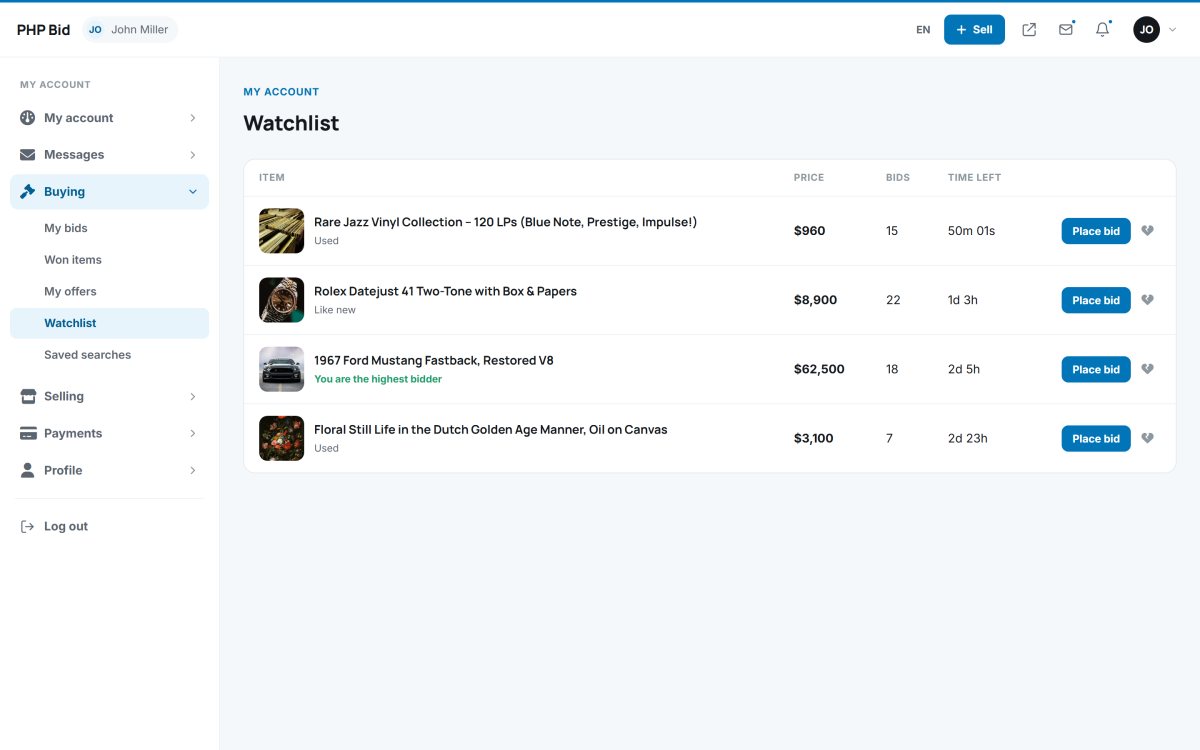
The heart button on each auction adds it to the member's Watchlist (Buying › Watchlist). Watchers receive an ending soon reminder before the auction closes, so they don't miss the last minutes. The number of watchers is shown on the auction page and tells sellers which items are popular.
Saved searches with e-mail alerts
On the search page, a logged-in member clicks Save this search. The keywords and all filters are stored. When new matching items are listed, the member gets an e-mail with the new items (the check runs at most every 10 minutes, so members never get flooded).
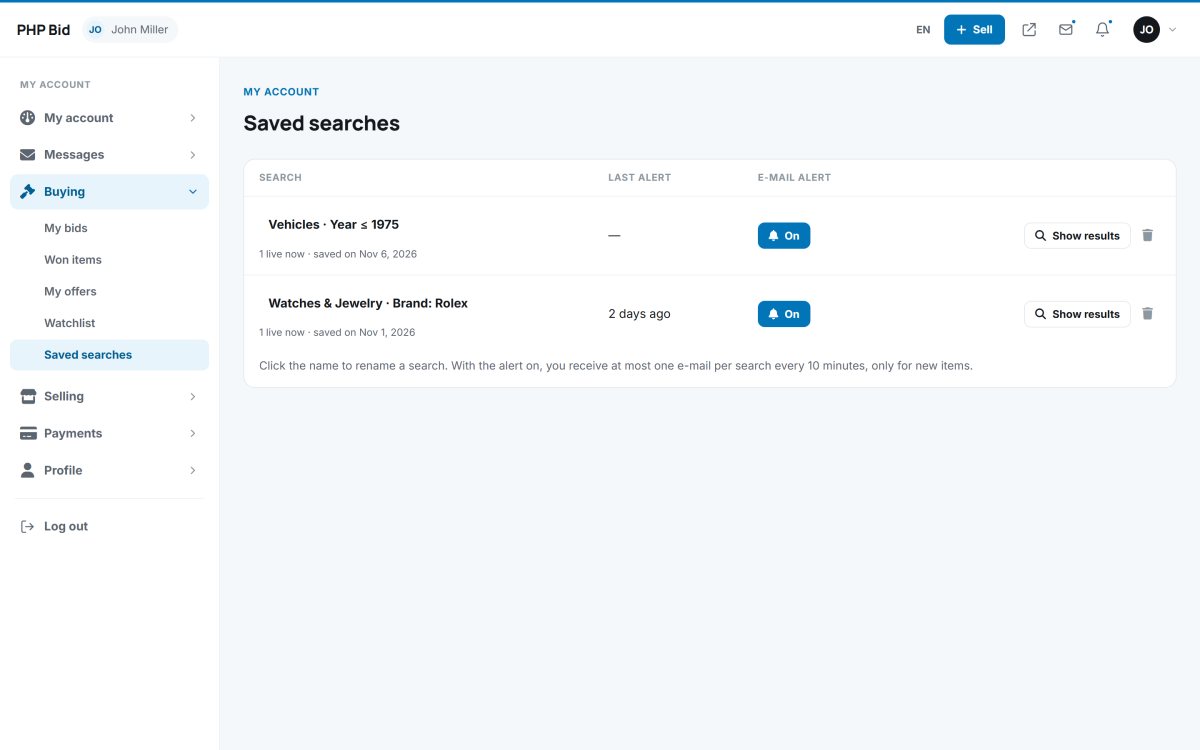
In Buying › Saved searches members can run a saved search again, turn its alert on or off, or delete it. The administrator can turn the whole feature off in Auction rules.
Recently viewed
The website remembers the last items a visitor looked at - also for guests - and shows them in a "Recently viewed" row, so visitors can easily go back to an item they liked. The list is stored only in the visitor's browser.