My bids, won items, paying the seller and feedback
The Buying menu follows a purchase from the first bid to the feedback. Bidders always see whether they are winning, and winners get clear steps: choose shipping, pay, receive, rate.
My bids
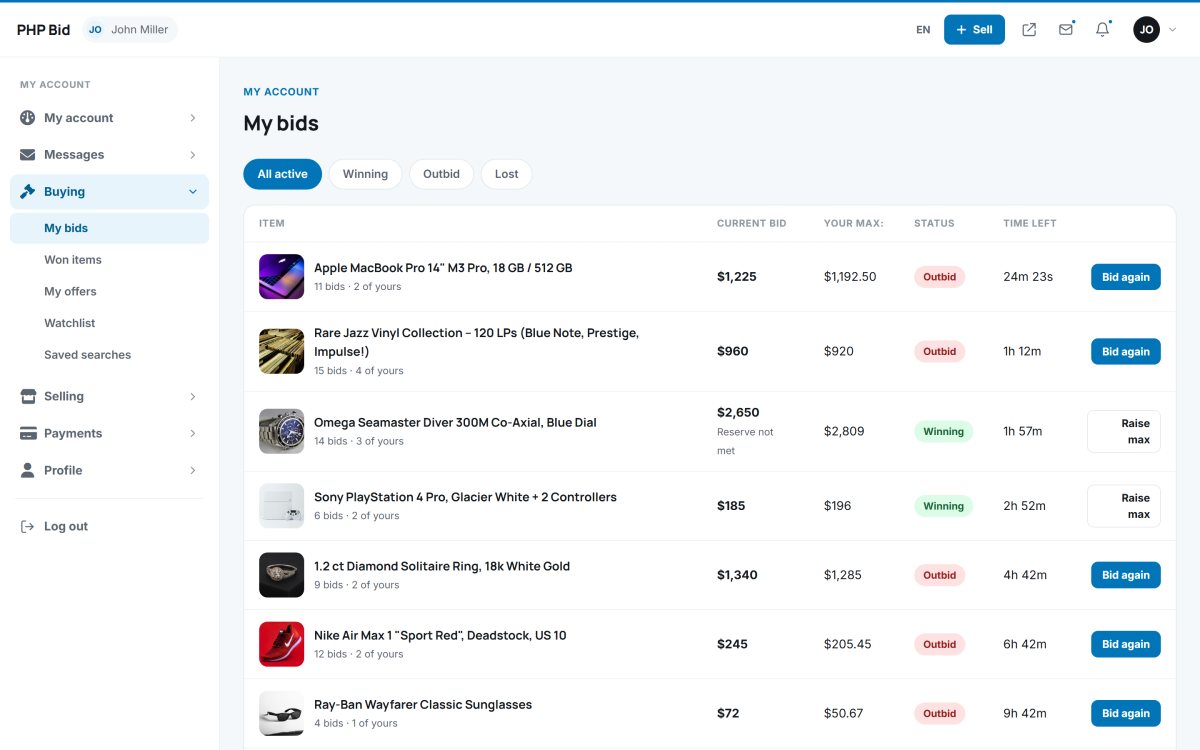
Buying › My bids lists every auction the member bid on, with tabs All active, Winning, Outbid and Lost. Each row shows the current bid, the member's maximum, the status and the time left. Bid again opens the auction directly at the bid box; Raise max increases an automatic maximum.
Won items
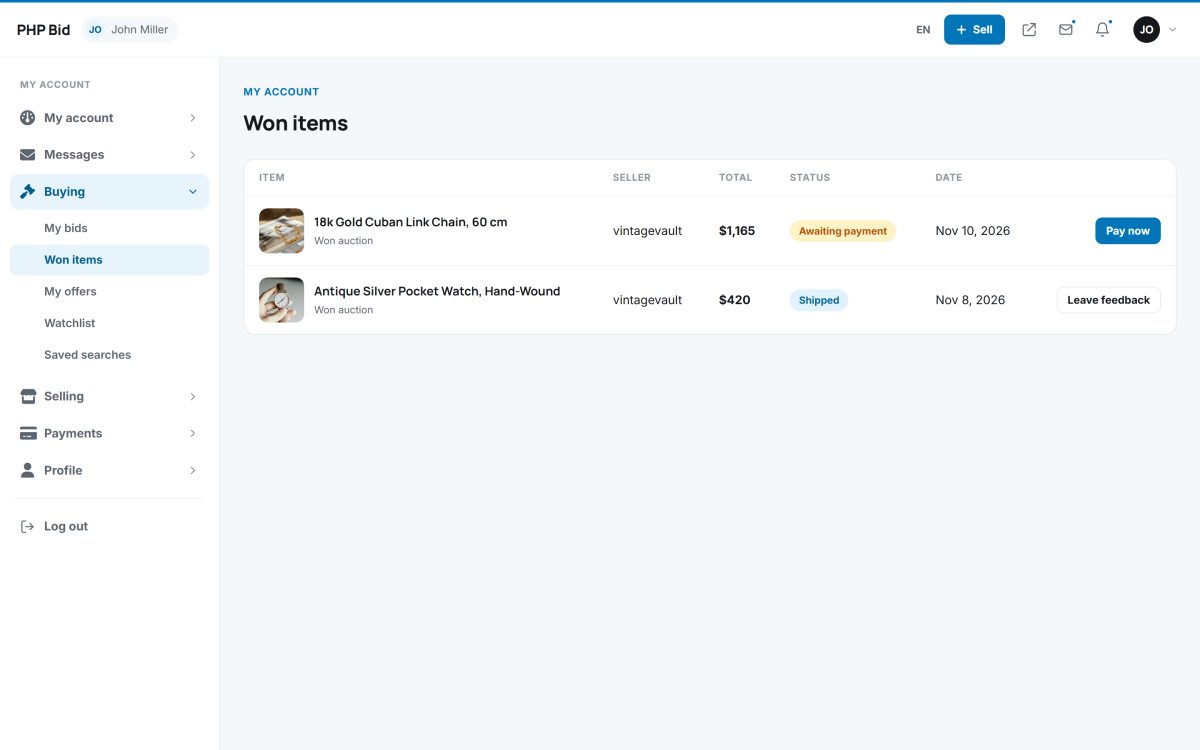
Buying › Won items lists everything the member bought - won auctions, Buy it now purchases and accepted offers - with the seller, the total, the status and a button for the next step (Pay now, Leave feedback...).
The purchase page
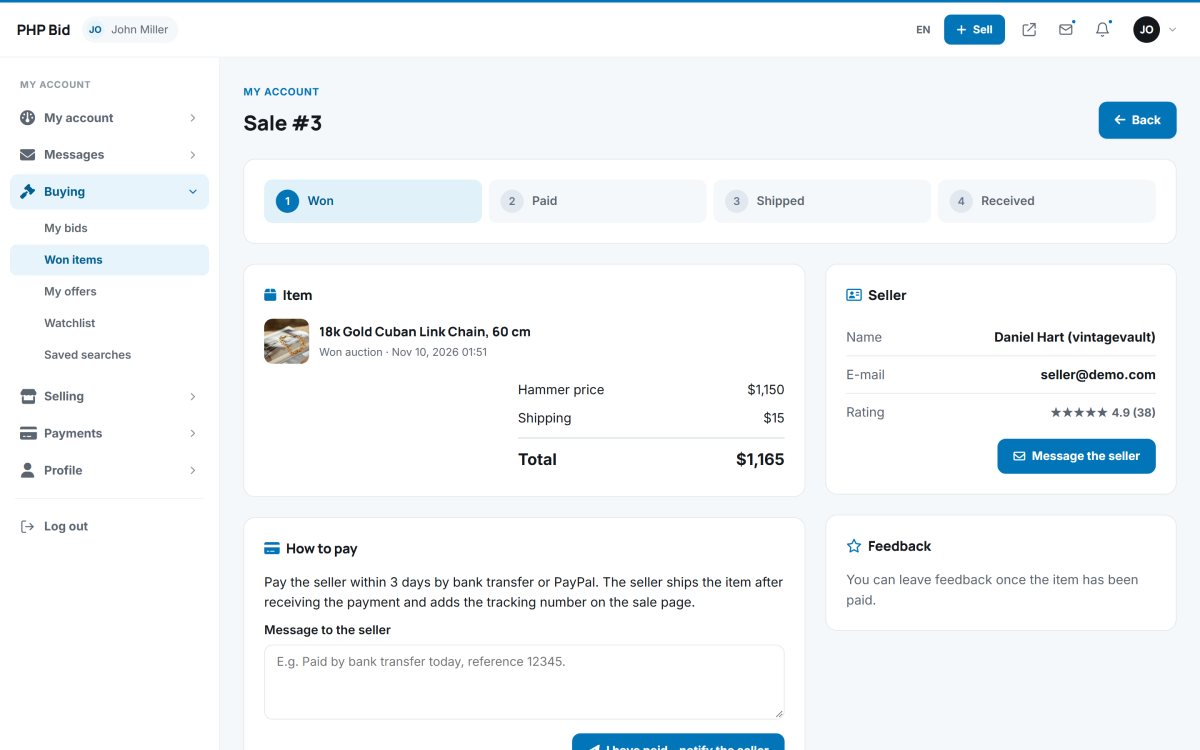
Each purchase has its own page with a progress bar: Won → Paid → Shipped → Received.
- Choose the shipping method when the seller offers several (standard, express, pickup...). The total is updated at once.
- Pay the seller. The box How to pay shows the payment instructions of the website (for example bank transfer or PayPal to the seller within 3 days). After paying, the buyer clicks I have paid - notify the seller with an optional message such as the payment reference.
- Wait for shipping. The seller confirms the payment and marks the item shipped with a tracking number, which appears on the page.
- Confirm the delivery with I received it. The sale is completed.
- Leave feedback - 1 to 5 stars and a comment about the seller (possible once the item is paid).
The price lines show the hammer price, the buyer's premium (if any), shipping, the VAT included or added, and the total. The buyer can message the seller from the same page.