Administrators, groups and permissions
As the marketplace grows, you will want help. Create an account for each person and decide with groups and permissions what they may see and change.
Admin users
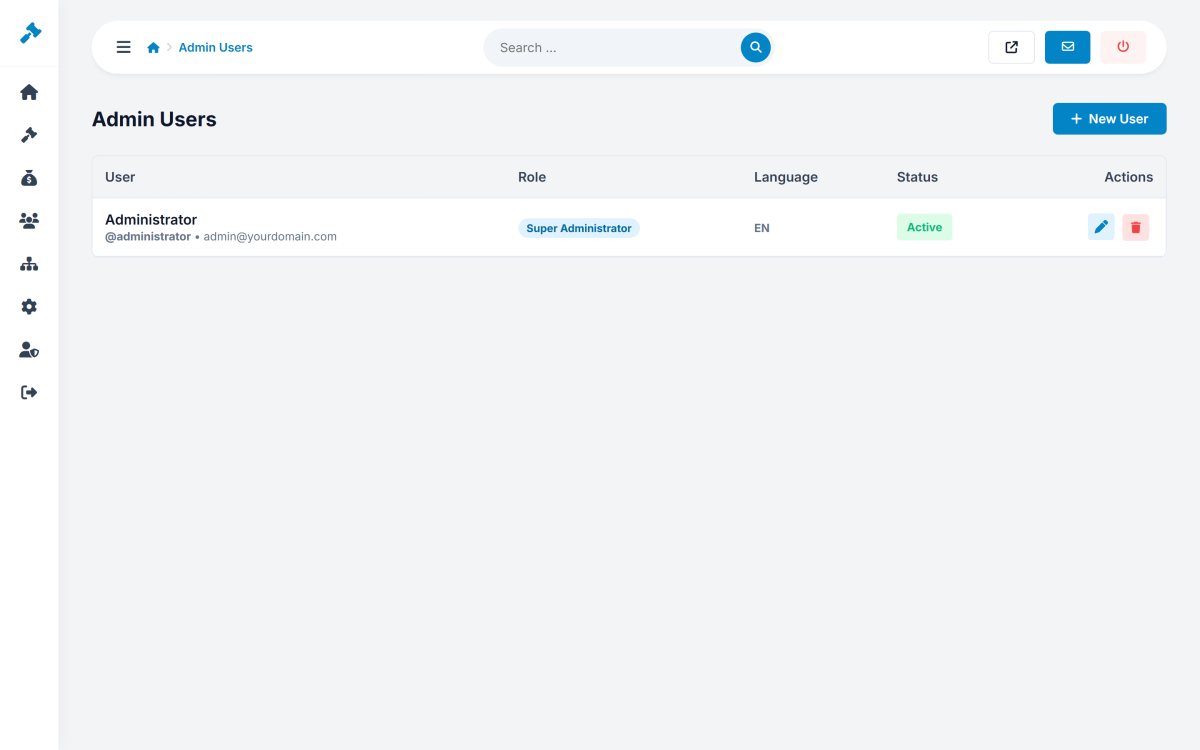
Admin Users › Admin Users lists the administrators with their group, language and status. New User creates an account with username, e-mail, password, group and the language of the admin panel. Deactivate accounts of people who no longer work for you instead of sharing passwords.
Groups
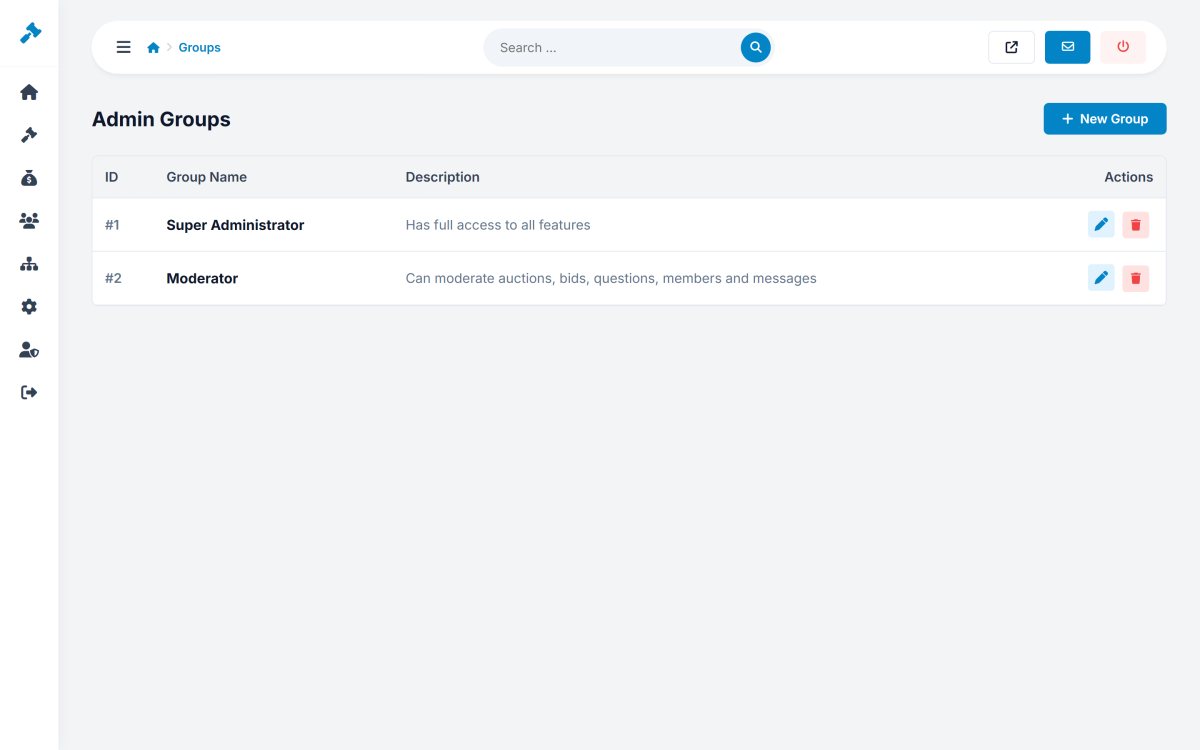
Admin Users › Groups holds the roles. The installation has Super Administrator (full access) and Moderator (auctions, bids, questions, members and messages). Add your own, for example "Accounting" for sales and invoices only.
Permissions
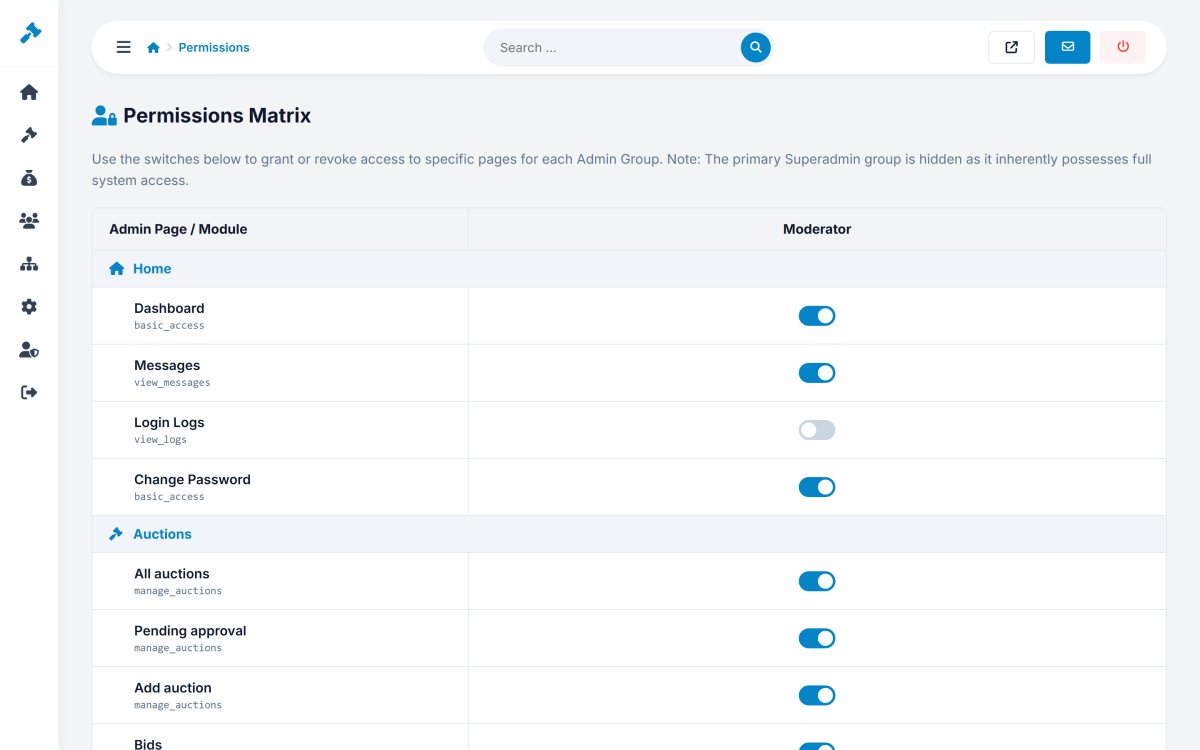
Admin Users › Permissions is a matrix with every page of the admin panel in the rows and the groups in the columns. Tick what each group may use and save. Pages a group can not use disappear from its menu.