The members area and dashboard
Every member gets one account for buying and selling. The members area collects everything in one place: active bids, items won, listings, sales, offers, messages, invoices and the profile.
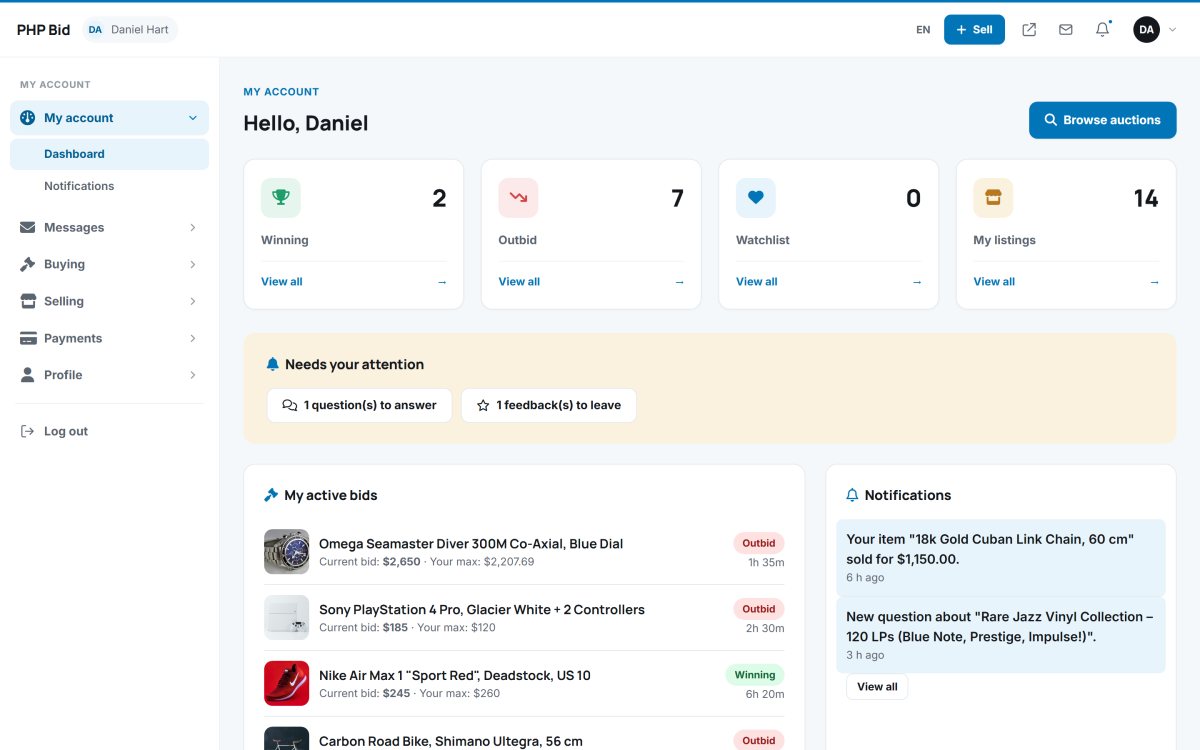
The dashboard
After logging in, members land on My account. It shows:
- My active bids - every auction they bid on, with the current bid, their maximum and the status Winning or Outbid.
- Needs attention - items to pay, items to ship, offers and questions waiting for an answer.
- Notifications - the latest events: outbid, auction won, item sold, payment received, item shipped, new offer, new message.
- Shortcuts to sell an item with the AI listing assistant, to the listings and to the watchlist.
The members menu
| Menu | Pages |
|---|---|
| My account | Dashboard, notifications. |
| Messages | Inbox with the conversations with buyers and sellers. See Messages. |
| Buying | My bids, Won items, My offers, Watchlist, Saved searches. |
| Selling | Sell an item, My listings, Bulk import (CSV), Offers received, Sold items, Questions. |
| Payments | My invoices (fees of the website). See Invoices and paying fees. |
| Profile | Edit profile, Feedback, Change password. |
The header of the members area keeps the + Sell button, the language, a link back to the website and the notification bell with the number of unread notifications. Counters in the menu (for example offers received) show what needs an answer.
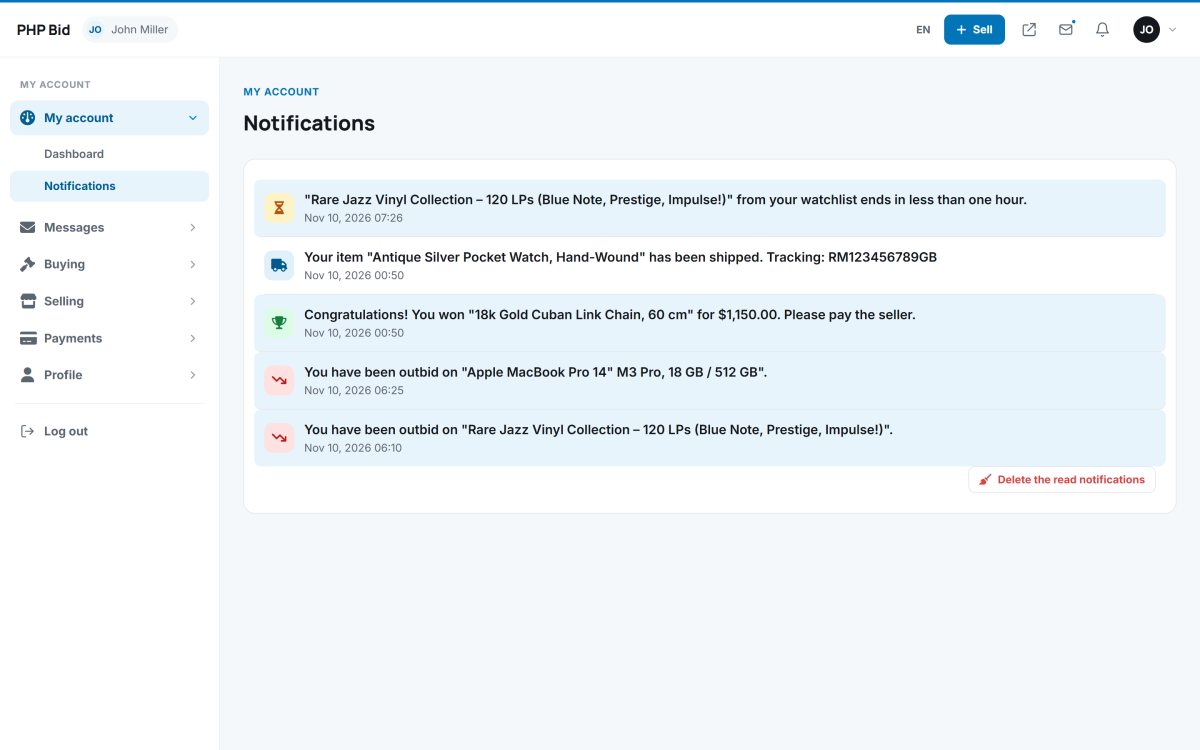
Notifications
Each notification links straight to the auction, sale, offer or message it is about. Most of them are also sent by e-mail; members choose which e-mails they want in their profile.
Mobile use
The members area is fully responsive. On phones the menu folds into a button and the tables become cards, so members can answer an offer or mark an item shipped from anywhere.