Registration, login and password reset
One free account lets a member bid, buy and sell. Registration takes less than a minute, and members always come back to the page they were on.
Creating an account
The Sign up page asks for first and last name, a username (shown publicly, for example in the seller box), an e-mail address, a password (twice) and the country. The member must accept your terms and conditions; the link opens your Terms page.
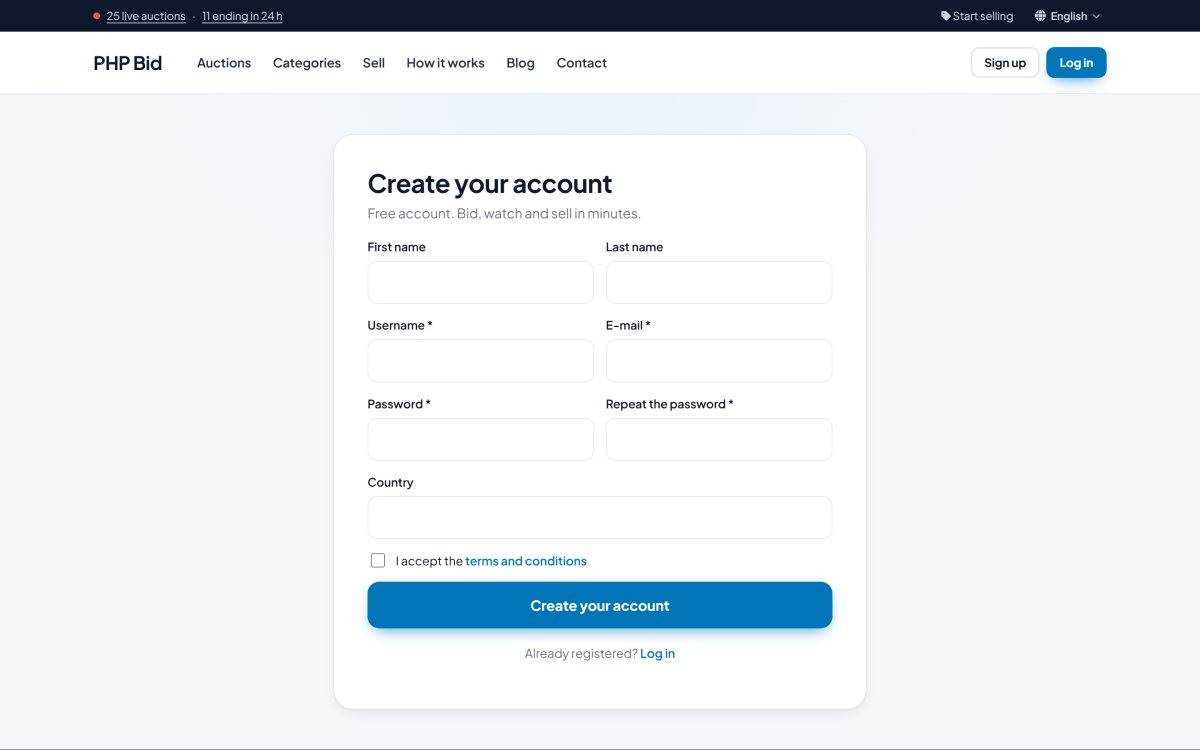
If E-mail verification is turned on (Configuration Options › Members), the member receives an e-mail with an activation link and can log in only after clicking it. You can also turn new registrations off completely, for example for a private auction.
Logging in
Members log in with their e-mail address or username and their password.
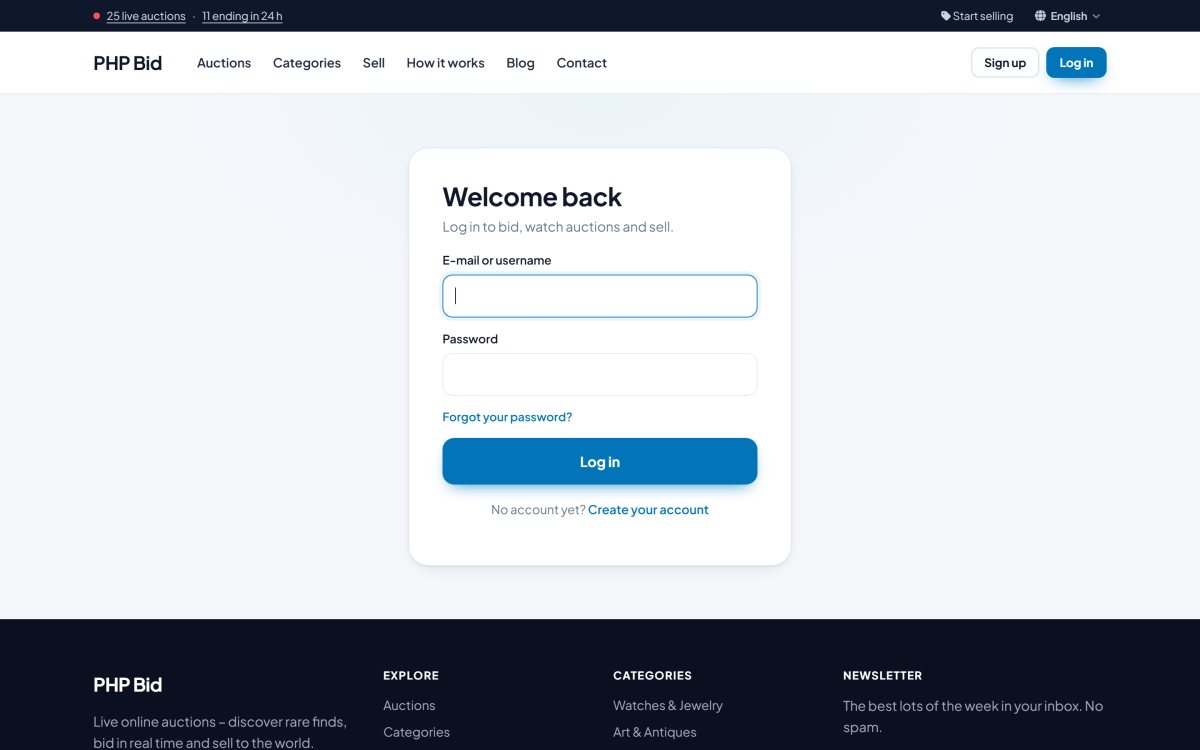
When a guest clicks an action that needs an account - place a bid, watch an item, contact a seller, sell an item - they are sent to the login page and, after logging in or signing up, they return to the same place. The destination is kept in the session, so no internal addresses of the members area appear in the links.
Forgotten password
The link Forgot your password? asks for the e-mail address and sends a link to choose a new password. The link is valid for one hour.
Security
- Passwords are stored encrypted (hashed), never in plain text.
- Logins are recorded with date and IP address; the administrator sees them in the member's page.
- An administrator can deactivate an account at any time in Members › All members.