Pages, blog, FAQ, contact form and newsletter
Besides the auctions, your website has the pages every marketplace needs: how it works, about us, legal pages, a blog for SEO, a FAQ, a contact form and a newsletter.
Text pages
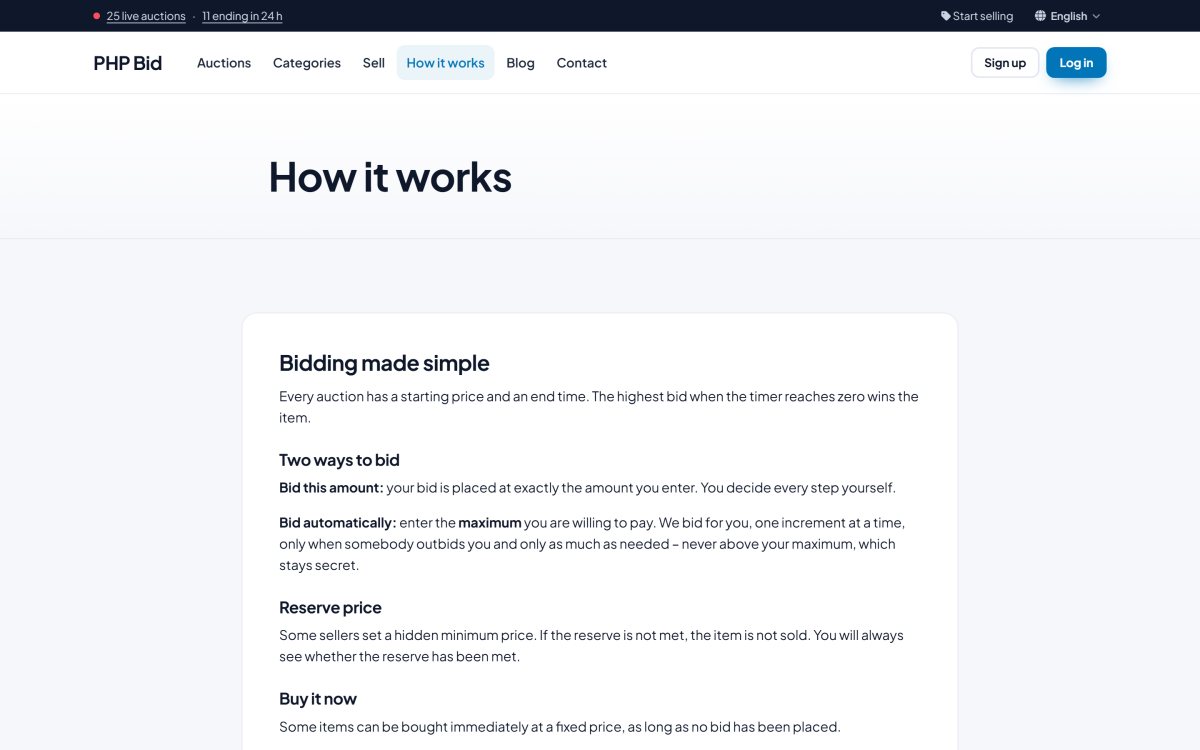
The installation includes How it works, About us, Terms & Conditions and Privacy Policy. You edit them, and add as many pages as you like, in Website › Pages with a visual editor and the AI page writer. Each page can appear in the top menu, the footer menu or both, and has its own SEO title and description.
The blog
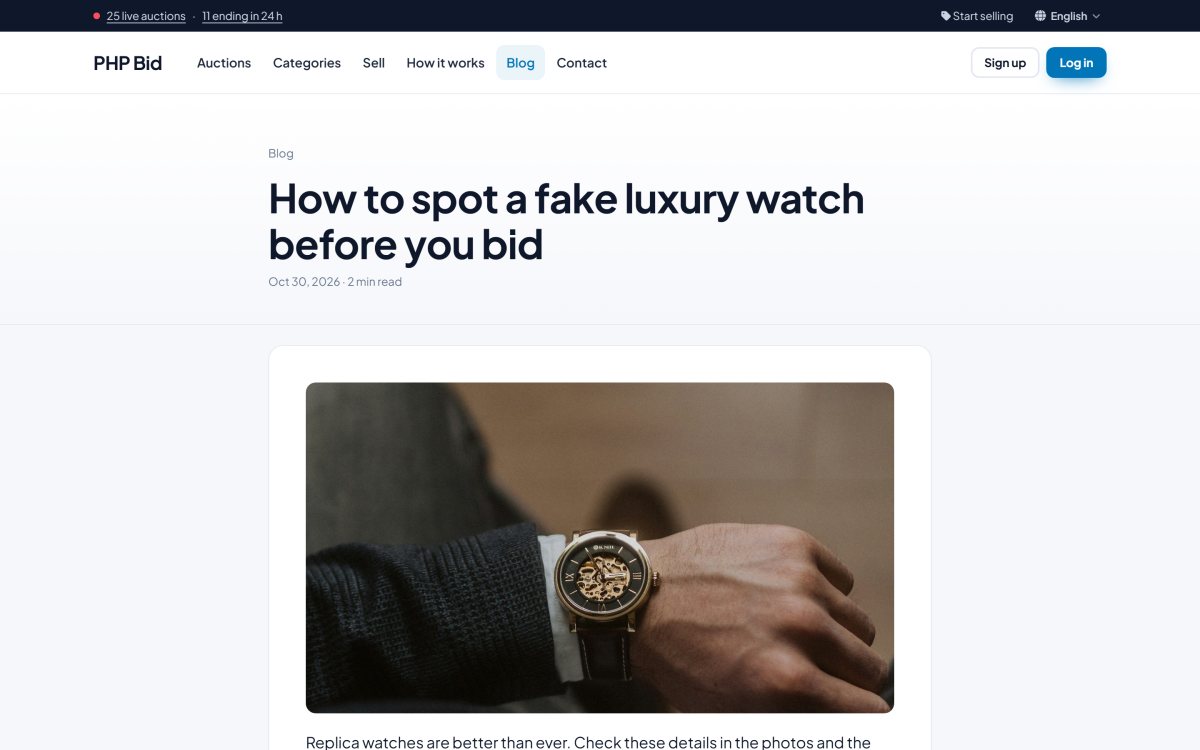
The blog (called News in the admin panel) is the easiest way to bring visitors from Google: buying guides, "how to spot a fake", market reports, upcoming sales. Each post has a cover image, a date, a reading time and its own search engine friendly URL.
FAQ page
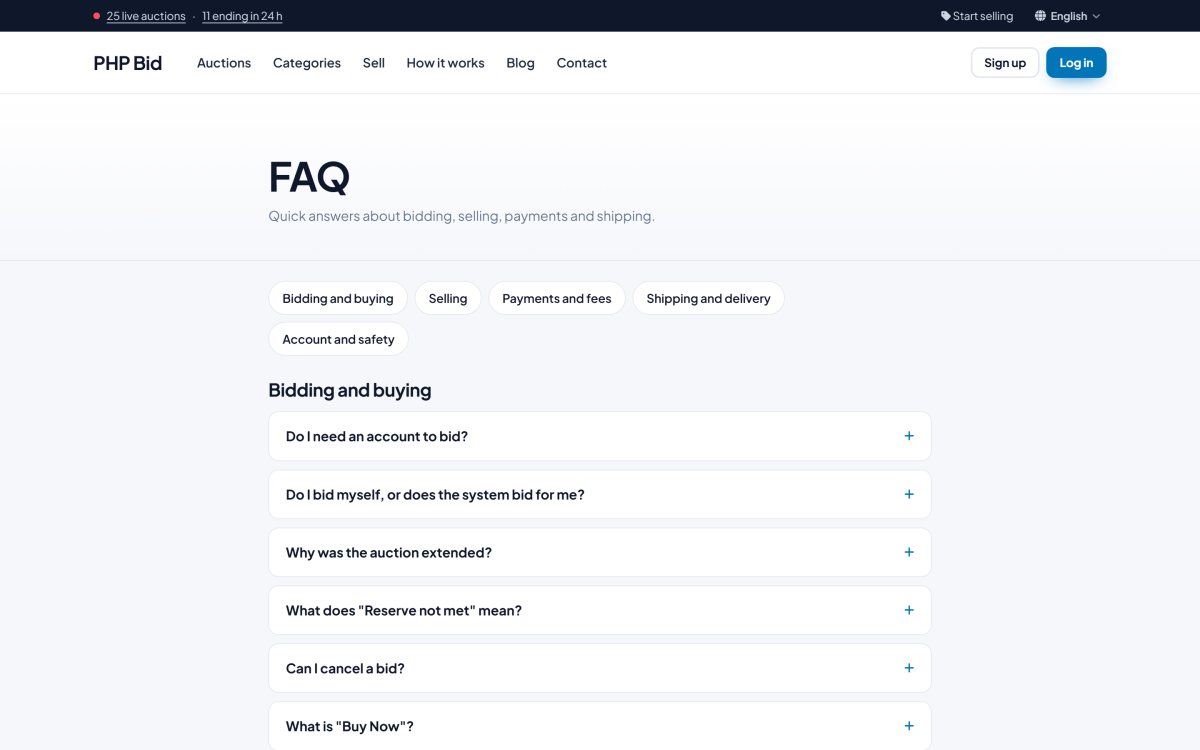
The FAQ page groups questions by topic (bidding and buying, selling, payments and fees, shipping and delivery, account and safety). Answers open with a click. Edit the questions in Website › Pages › FAQ: in the editor a Heading 2 starts a new topic, a Heading 3 is a question and the text below it is the answer.
Contact form
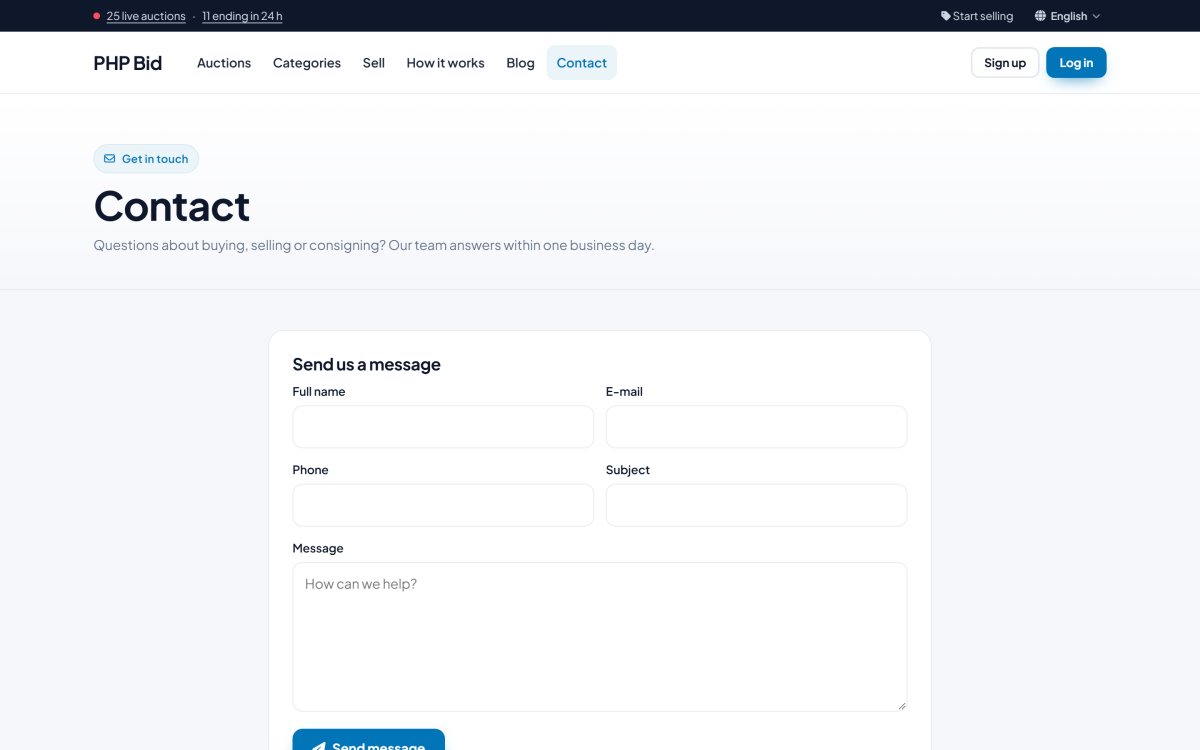
The contact page shows your e-mail, phone and address (from General settings) and a form. The messages arrive in Home › Messages in the admin panel and are also e-mailed to your contact address.
Newsletter
A newsletter sign-up form is shown in the footer. The subscribers are listed in Members › Newsletter, where you can export them as a CSV file for Mailchimp, Brevo or any other mailing tool.
Cookie notice
If you turn on the cookie notice in Configuration Options › E-mail & privacy, first-time visitors see a short notice with your own title and text and an "OK" button.