SEO, tracking codes and social media links
A marketplace lives from visitors. PHP Bid gives every auction, category, page and blog post its own crawlable URL and SEO fields, and connects to your analytics and social profiles.
Menu Settings › Tracking Codes
SEO built into PHP Bid
- Search engine friendly URLs - turn on in Configuration Options › Languages & URLs. Auctions get URLs with their title, such as
/en-auction-omega-seamaster-diver-300m-12. - Titles and descriptions - each auction uses its title and the start of its description; pages and blog posts have their own SEO title and meta description fields.
- Category pages with descriptions and the blog give Google text to rank for your niche.
- Fast, mobile-friendly templates - important for Google's ranking.
- Languages - each language version of a page has its own URL. See Languages.
Tracking codes
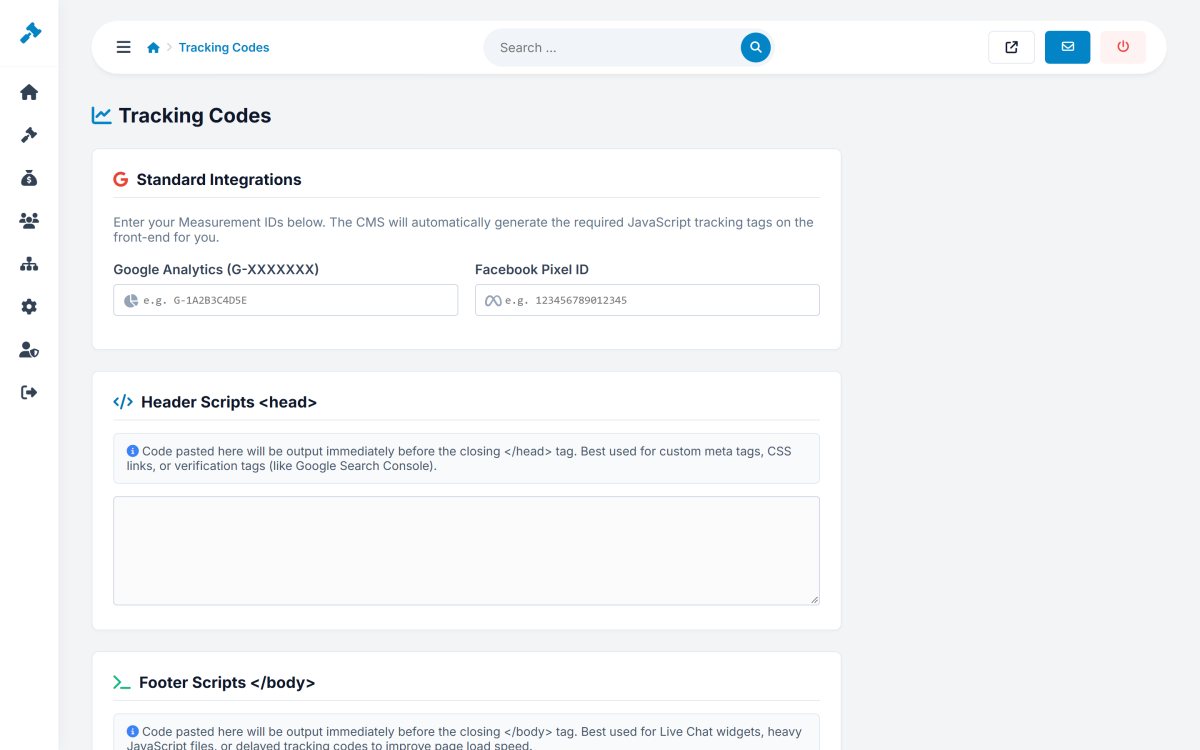
Settings › Tracking Codes:
- Google Analytics - enter your measurement ID (
G-XXXXXXX). - Facebook Pixel - enter your Pixel ID.
- Header scripts and Footer scripts - any other code, for example Google Tag Manager, Search Console verification, a chat widget or another analytics tool.
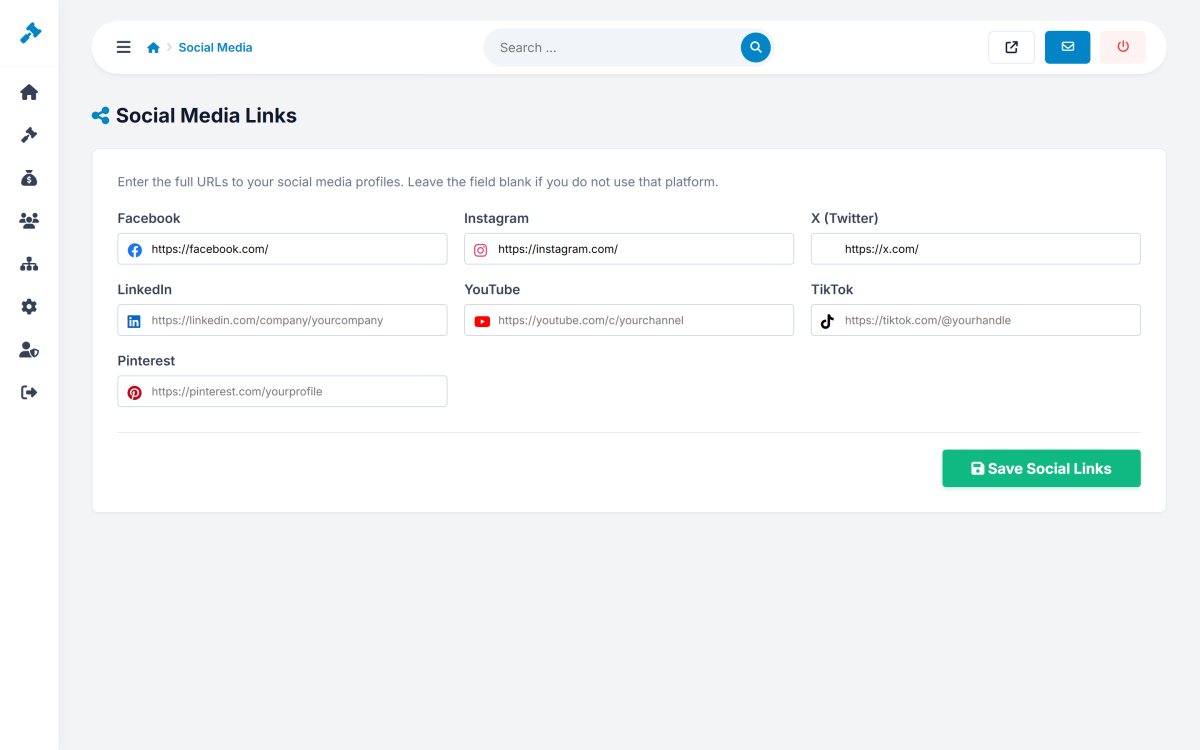
Social media links
Settings › Social Media holds the addresses of your profiles on Facebook, Instagram, X (Twitter), LinkedIn, YouTube, TikTok and Pinterest. They appear as icons in the footer; leave a field empty to hide its icon.