Managing listings, relisting and answering questions
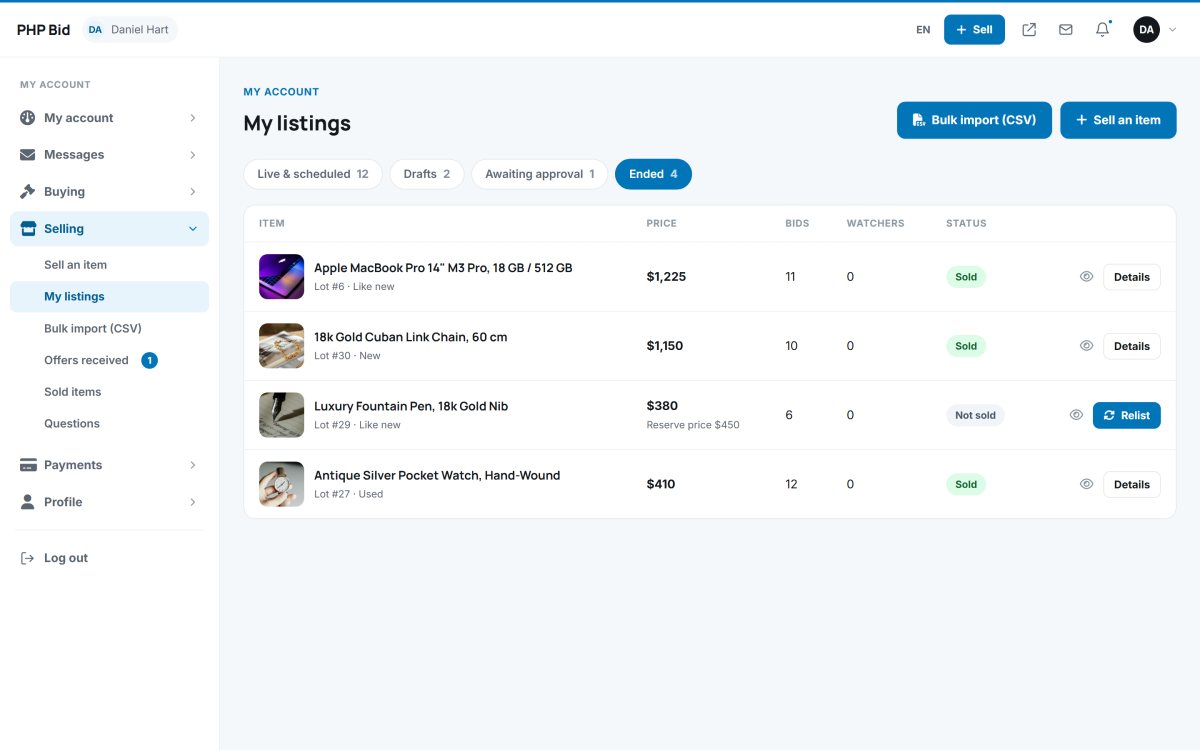
My listings is the seller's control panel: every item with its price, bids, watchers and status, and one-click actions to edit, end, relist or publish.
The tabs of My listings
| Tab | Content |
|---|---|
| Live & scheduled | Items online now and items with a future start date. |
| Drafts | Unfinished listings and CSV imports, with Publish selected. |
| Awaiting approval | Items waiting for the administrator (or for the payment of a listing fee). |
| Ended | Sold and unsold items, with Relist. |
Each row shows the price, the number of bids and watchers and the status, with buttons to view, edit, delete a draft or End the listing early.
Relisting unsold items
An item that did not sell can be put online again with Relist. A new listing is created with the same photos, description, prices, shipping methods and VAT rate; the seller can lower the price or remove the reserve before it starts.
Questions and answers
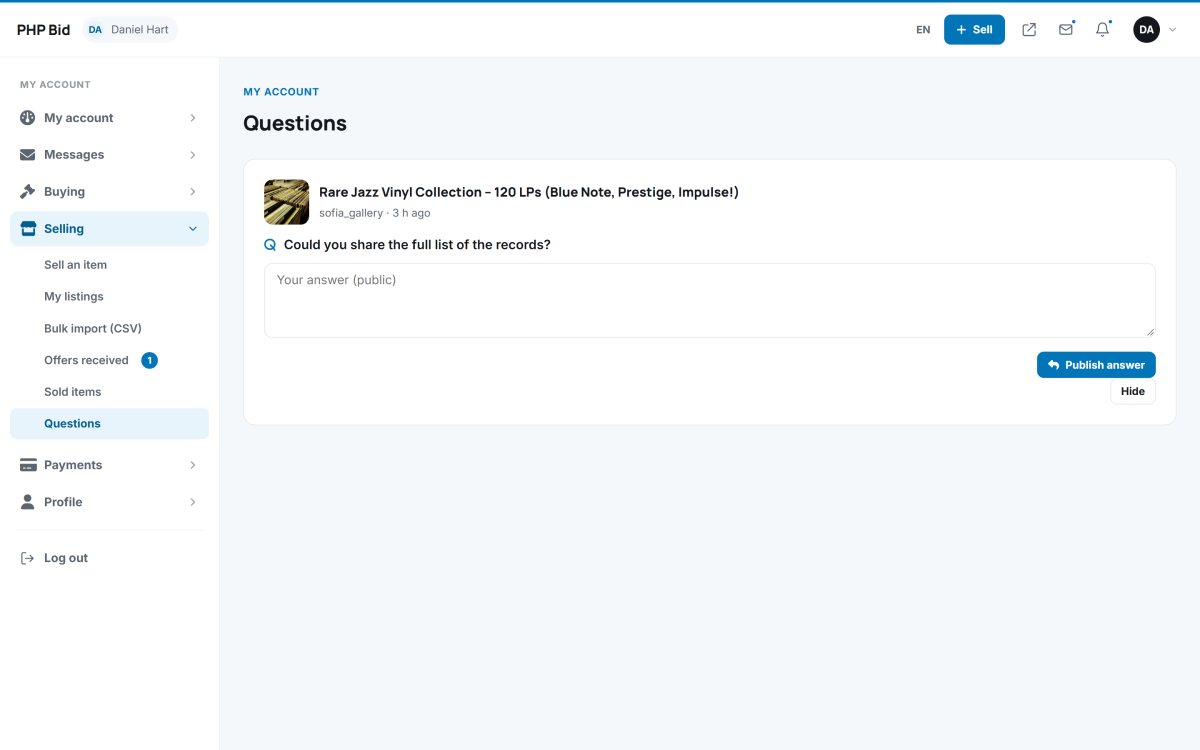
Buyers' questions arrive in Selling › Questions and as a notification. The seller writes an answer and chooses Publish answer - the question and answer then appear on the auction page for all bidders - or Hide for private or irrelevant questions.
Rejected listings
If the administrator rejects a listing, the seller sees the reason (the administrator's note) on the listing and can correct it and submit it again.