Admin login, dashboard, messages and password
The admin panel is where you run the marketplace. Its dashboard shows at a glance what is happening and what needs your attention.
Logging in
Open https://www.yourdomain.com/ADMIN/ and log in with your administrator username and password. After a period without activity you are logged out automatically for safety.
The dashboard
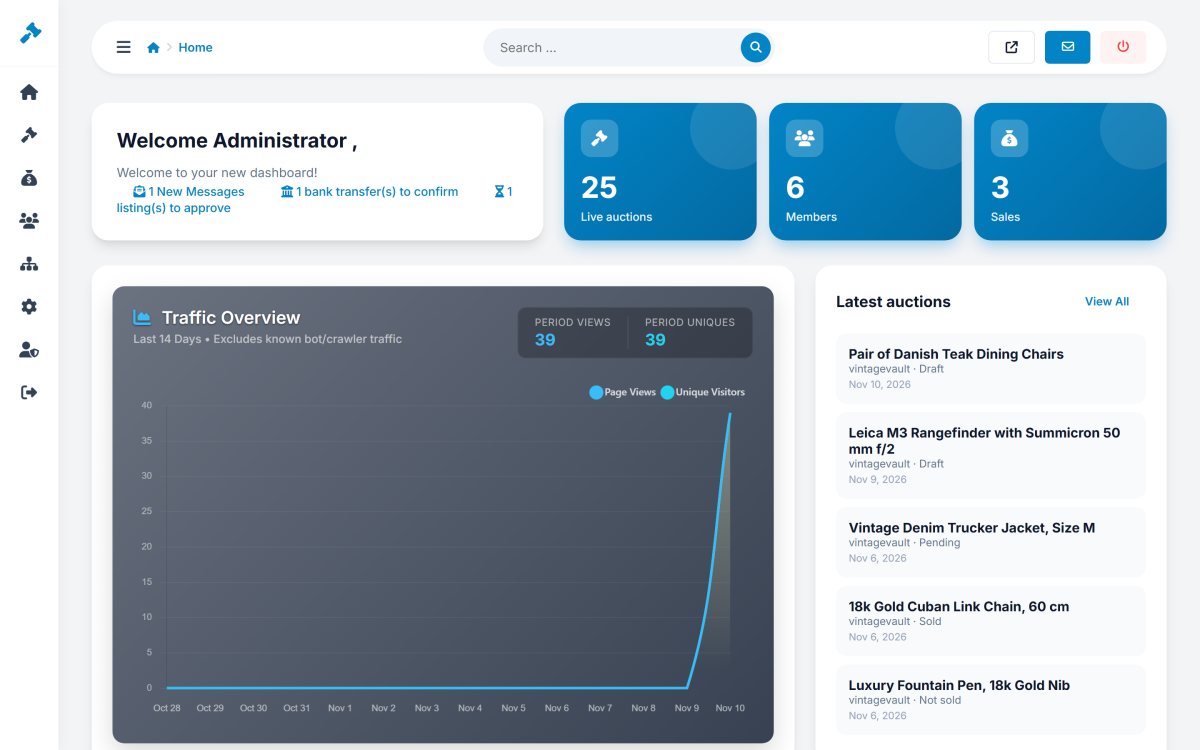
- Key numbers - live auctions, members, total sales and new messages.
- Things to do - listings pending approval and bank transfers to confirm, each with a link.
- Traffic overview - page views and unique visitors per day (bot traffic is excluded).
- Latest auctions and latest members with links to their details.
Contact messages
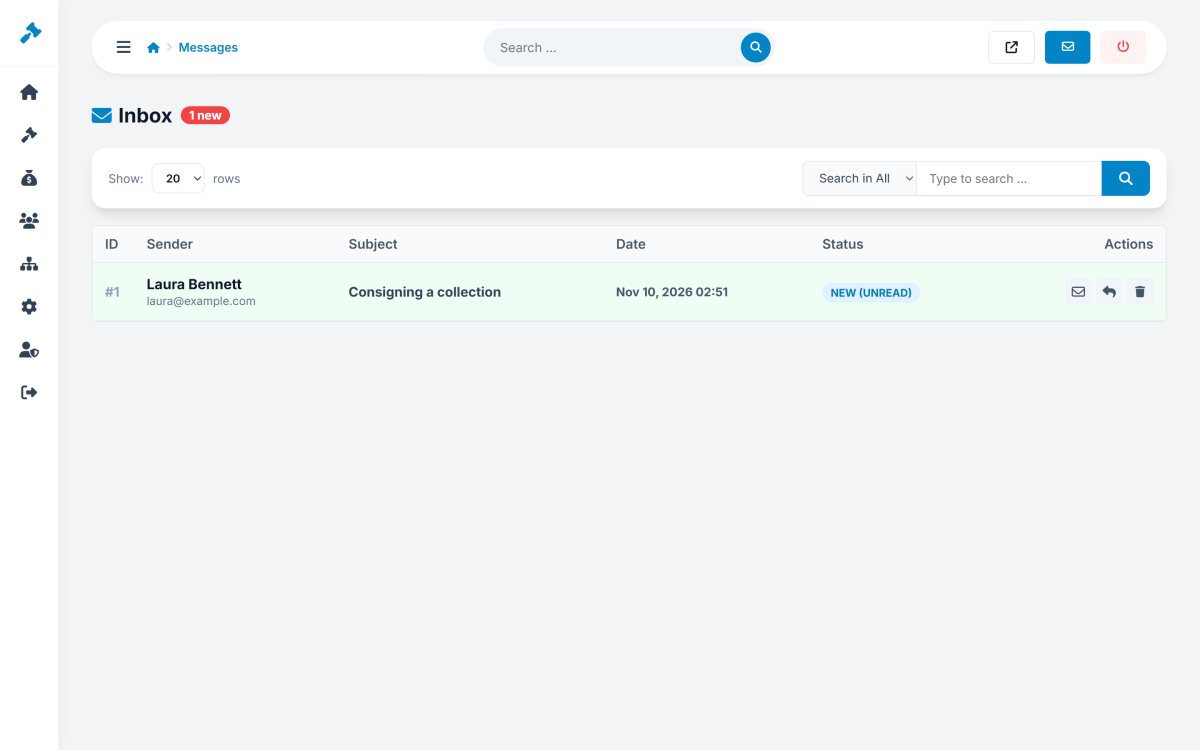
Home › Messages collects the messages sent with the contact form. New messages are highlighted; you can read, reply by e-mail and delete them.
Login logs and password
Home › Login Logs records every login to the admin panel with date, username and IP address, including failed attempts - useful to spot somebody trying to guess a password. Home › Change Password changes the password of the administrator who is logged in.
The top bar
The search box in the top bar finds menu pages quickly. The icons open the website in a new tab, show new messages and log you out.