Browsing categories and searching auctions
Bidders find items in three ways: by category, with the search and its filters, or by simply describing what they want to the AI search.
The categories page
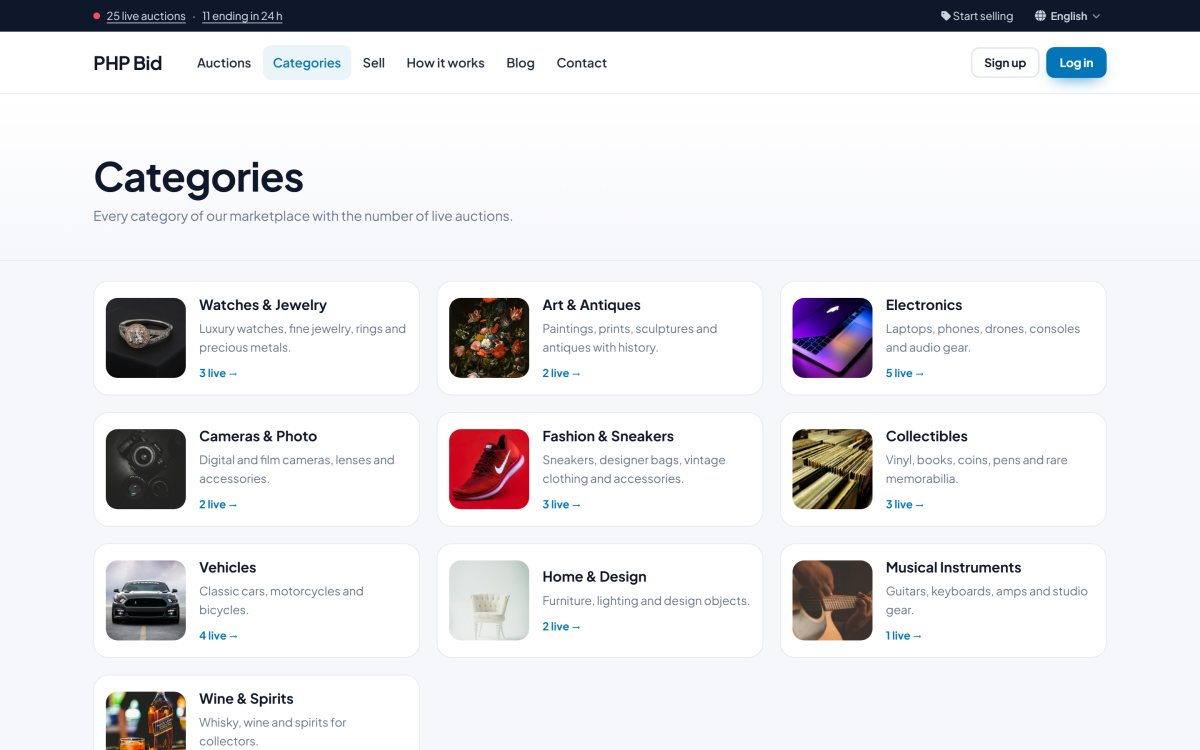
The Categories page lists all your categories with a photo, a short description and the number of live auctions. Categories can have sub-categories. Clicking a category opens the search results for it.
The search page and its filters
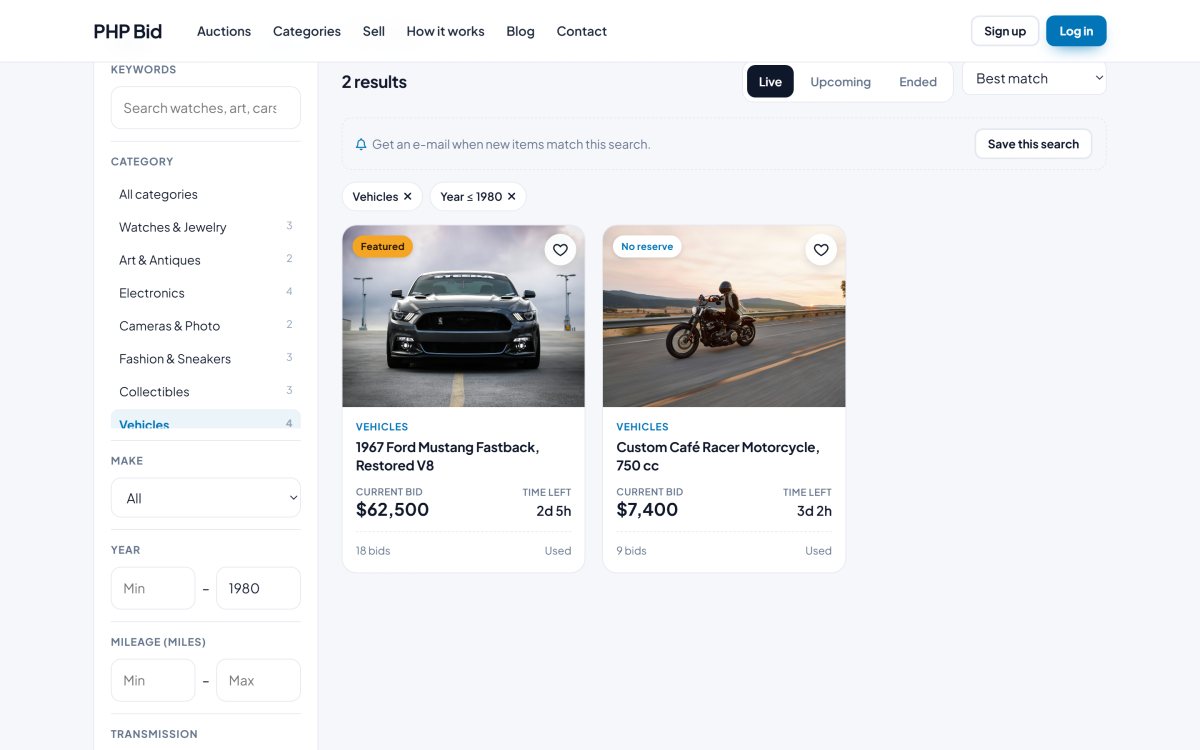
The Auctions page shows all the live listings with filters on the left (or at the top on phones):
- Keywords - searched in the title, subtitle and description.
- Category - including its sub-categories.
- Price - minimum and maximum.
- Format - auctions or Buy it now / fixed price items.
- Condition - new, like new, used, for parts...
- Ending within 24 hours and featured only.
- Category fields - when a category is selected, its own filters appear, for example brand, size, year or mileage. See Categories and category fields.
The results can be sorted by best match, ending soonest, newly listed, price low to high, price high to low, most bids and most popular.
AI search
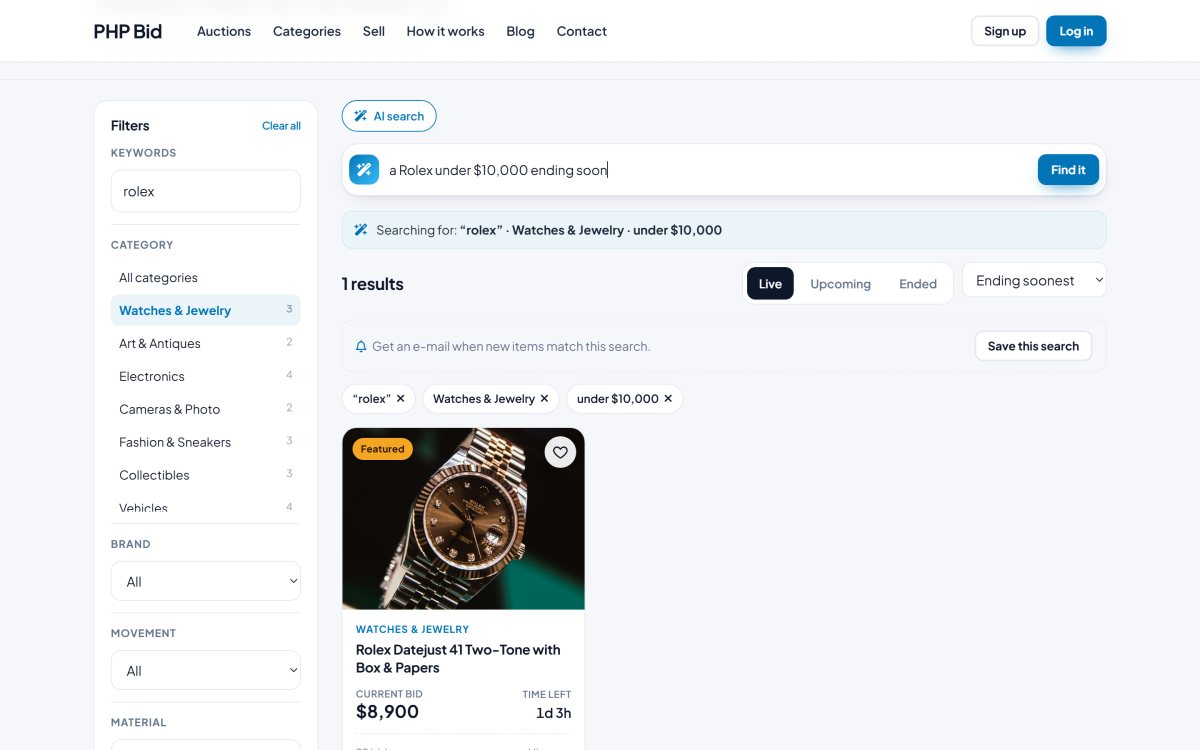
When the AI search is turned on (AI settings), visitors can type a sentence such as "vintage watch under 3000 ending today". The AI turns the sentence into the right filters - category, keywords, maximum price, ending soon - and shows the results. Without an AI key a simple built-in rule engine still understands prices and common words.
Save a search
Logged-in members can save any search with its filters and receive an e-mail when new matching items are listed. See Watchlist, saved searches and recently viewed.
Live counters
The links in the top bar ("20 live auctions · 8 ending in 24 h") open the search with the matching filter, so visitors land directly on the most active items.