The auction page (lot page)
The auction page is where bidders decide. It shows the item with all its details, the live price and countdown, and every way to buy: bid, Buy it now or make an offer.
What the page contains
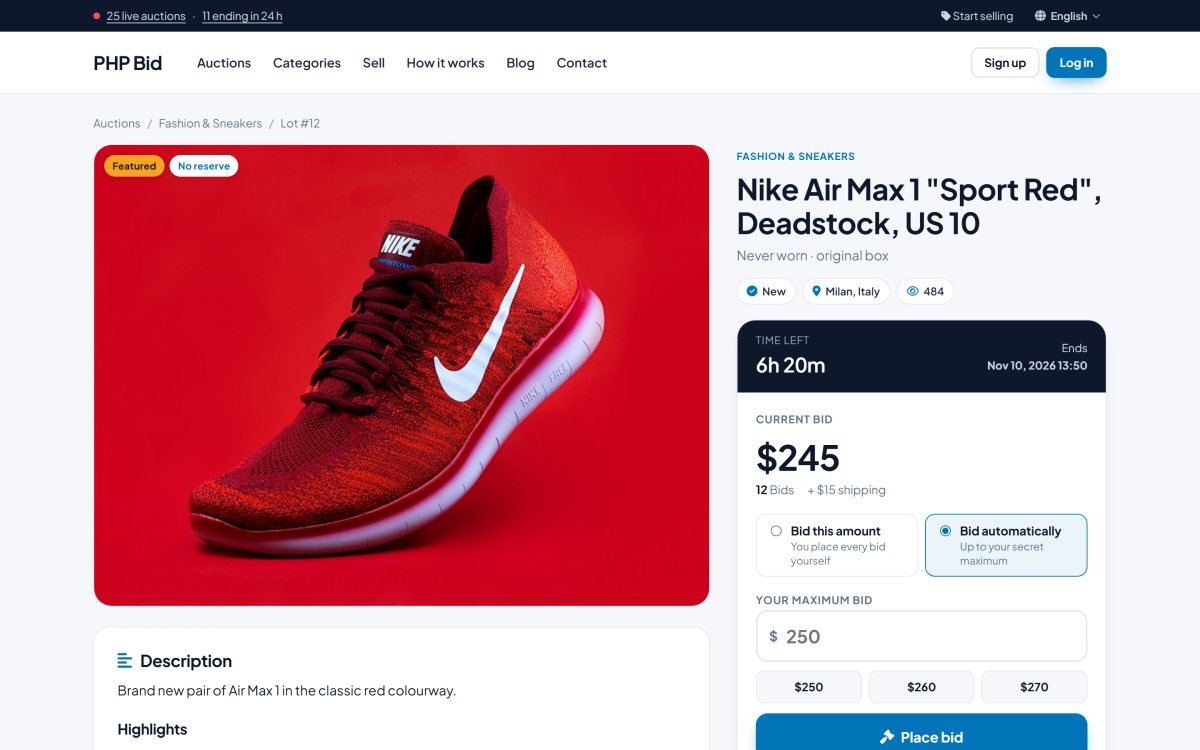
- Photo gallery - up to 10 photos (you set the limit), with thumbnails and a large view.
- Title, subtitle and lot number, category, condition and location.
- Current bid, number of bids and time left. The countdown, the price and the bid history update automatically every few seconds, without reloading the page.
- Reserve status - "Reserve not met" or "Reserve met" when the seller set a reserve price; "No reserve" otherwise.
- The bid box with the two bid modes. See Bidding.
- Buy it now and Make an offer buttons when the seller allows them. See Buy it now and offers.
- Shipping - the shipping methods with their costs, returns policy and location.
- VAT label - for example "incl. 20% VAT", when VAT is turned on. See VAT and shipping.
- Buyer's premium - shown when you charge one, so the buyer knows the final cost.
- Description and the item details from the category fields (brand, model, year...).
- Bid history - with masked bidder names (for example j***r) for privacy.
- Questions and answers - public questions to the seller and their answers.
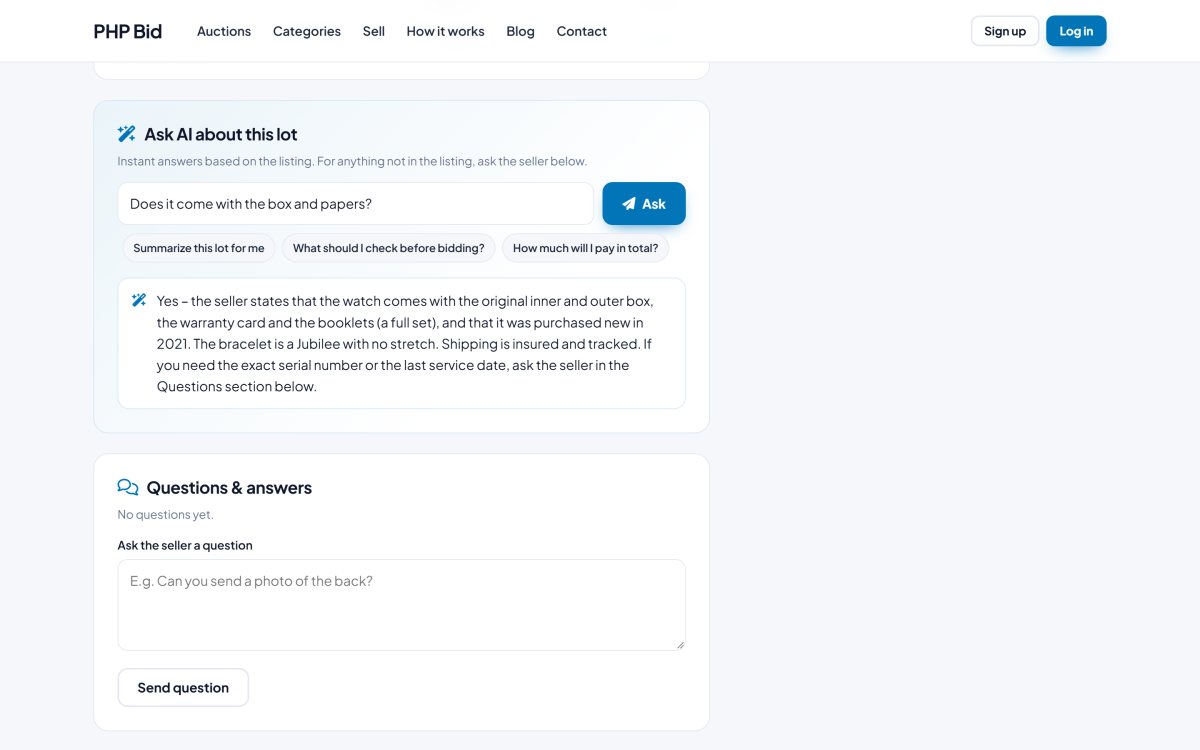
- Ask AI about this lot - instant answers based on the listing. See below.
- Seller box - name, rating, number of ratings, member since, a link to the seller profile with all their items, and "Contact the seller".
- Watchlist button, number of watchers and views, share links.
- Similar items from the same category.
- Report this listing link. See Questions, reports and moderation.
Ask AI about this lot
Bidders can ask the AI questions such as "Is the box included?" or "What is the reference number?" and get an answer at once. The AI answers only from the listing (title, description, details, shipping) and says so when the information is not there - then the bidder can ask the seller.
Upcoming and ended auctions
A scheduled auction shows "Starts in ..." with a countdown to the start; bidders can already add it to their watchlist. An ended auction shows "Sold for ..." or "Not sold", and the bid box is replaced by links to similar live items.
The seller's own view
When sellers open their own listing they see "This is your listing" with a link to manage it, instead of the bid box.
Seller profile
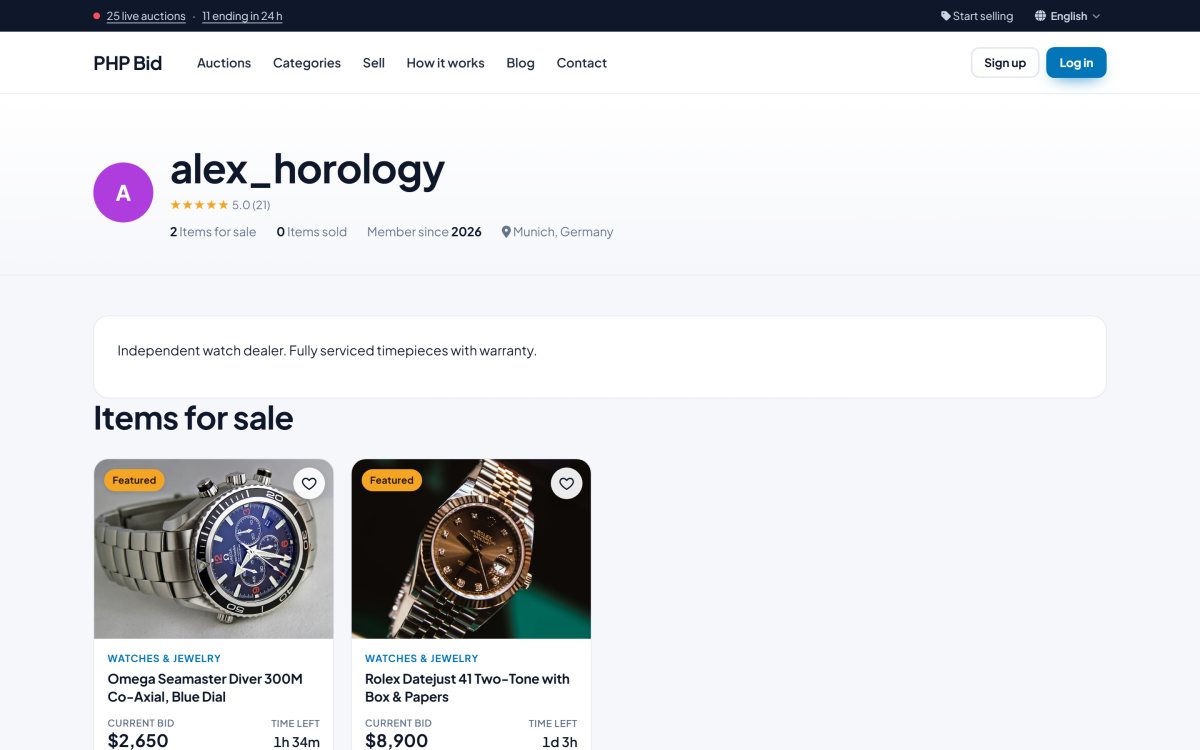
Clicking the seller's name opens the seller profile: picture, "about" text, rating with the latest feedback, and all the items the seller has for sale.