Offers and counter-offers
Offers turn "too expensive" into a sale. Buyers propose a price, sellers answer with one click, and an accepted offer becomes a sale like any other.
For buyers: My offers
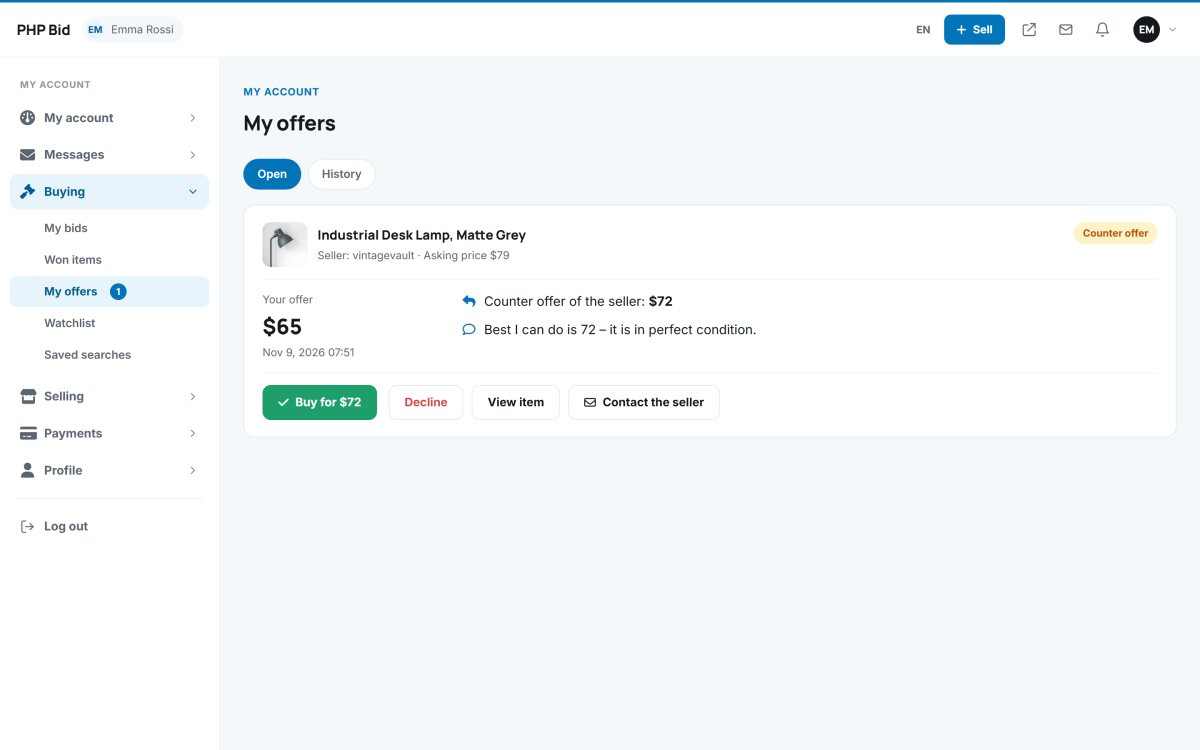
Buying › My offers shows the open offers and the history. When the seller answers with a counter-offer, the buyer can Buy for the counter price at once, decline it, view the item or contact the seller.
For sellers: Offers received
Selling › Offers received lists the offers per item with the buyer's message. The seller can accept, decline or counter with another price and a message. The menu counter shows how many offers wait for an answer.
Rules
- Offers are possible on fixed price items, and on auctions until the first bid.
- An accepted offer is bought by the buyer with one click; it then appears in Won items and Sold items.
- When the item is sold - by bid, Buy it now or another offer - the other open offers expire automatically and the buyers are told.
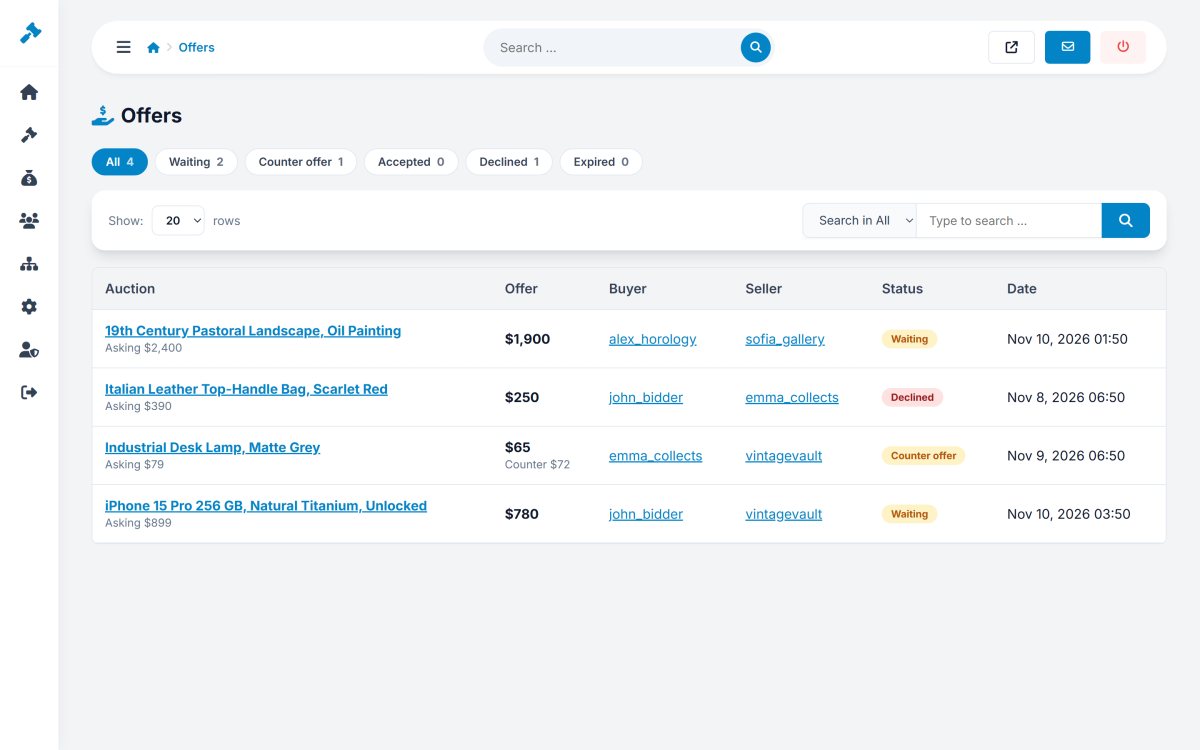
- The administrator can turn offers off for the whole website and sees all offers in Auctions › Offers.