Sales, invoices, payments and feedback
The Sales menu follows the money: every sale between members, every invoice of the website and every rating left after a purchase.
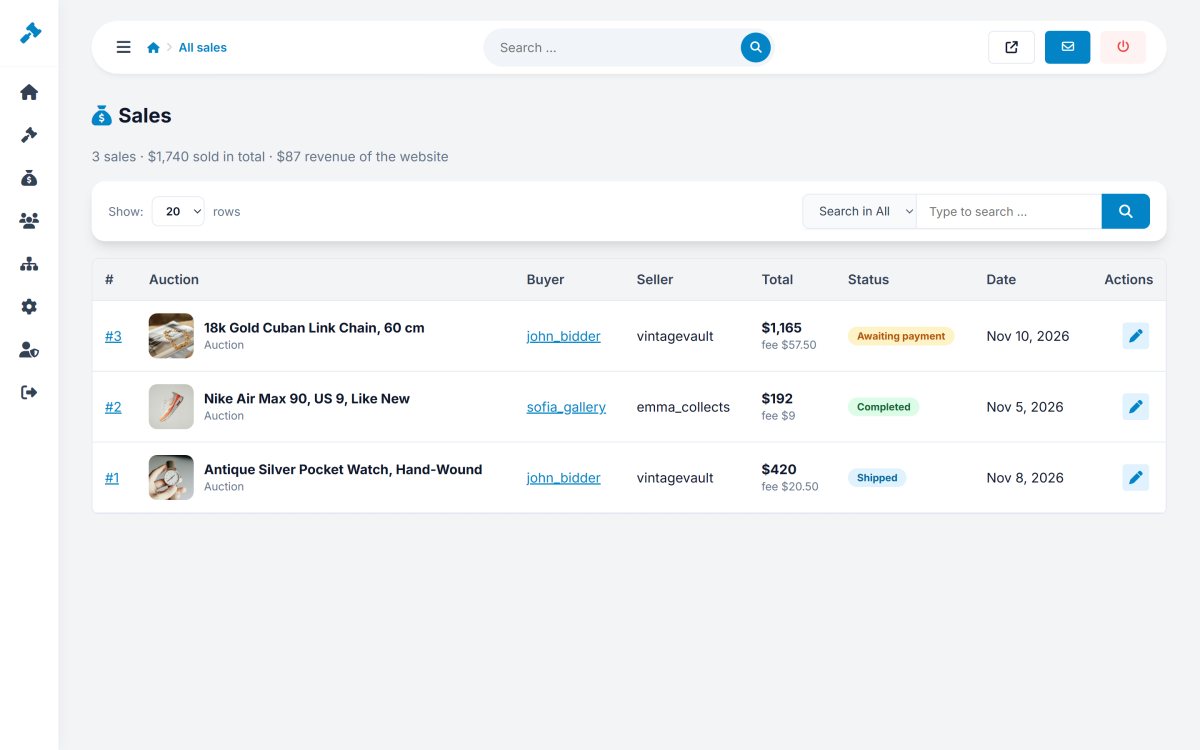
Sales
The sales are grouped by status: All sales, Awaiting payment, To ship, Shipped, Completed and Cancelled. The "to ship" list is the one to check for paid items that sellers have not shipped yet.
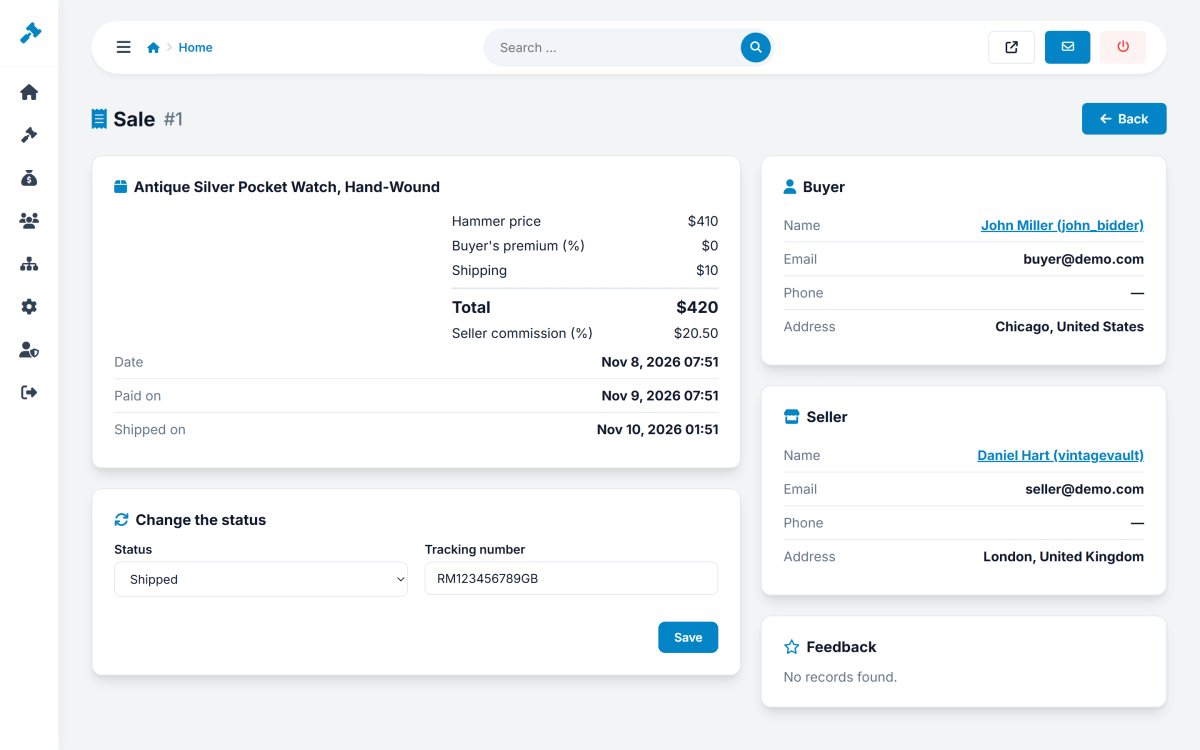
The sale page shows the item, the hammer price, buyer's premium, shipping, total, seller commission, the dates, and the details of buyer and seller. In Change the status you can set any status and a tracking number - useful to settle disputes.
Invoices and payments
Sales › Invoices & payments lists the invoices of the website (listing fees, featured fees, commissions, buyer's premiums) with a summary of paid and unpaid amounts.
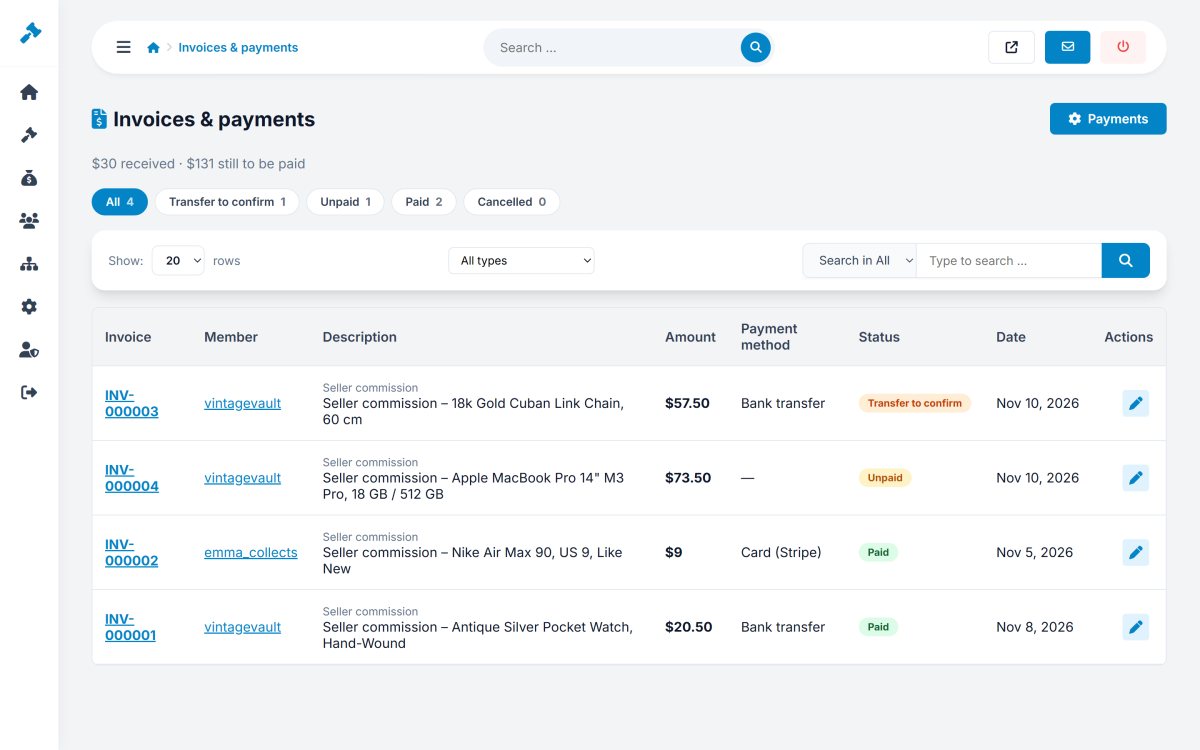
- Stripe and PayPal payments are marked paid automatically.
- For bank transfers, the member clicks "I have sent the transfer": use Confirm transfer when the money arrived, or Not received.
- Record payment marks an invoice paid that was paid another way (cash, other), with a reference and a note.
- Cancel an invoice you do not want to charge.
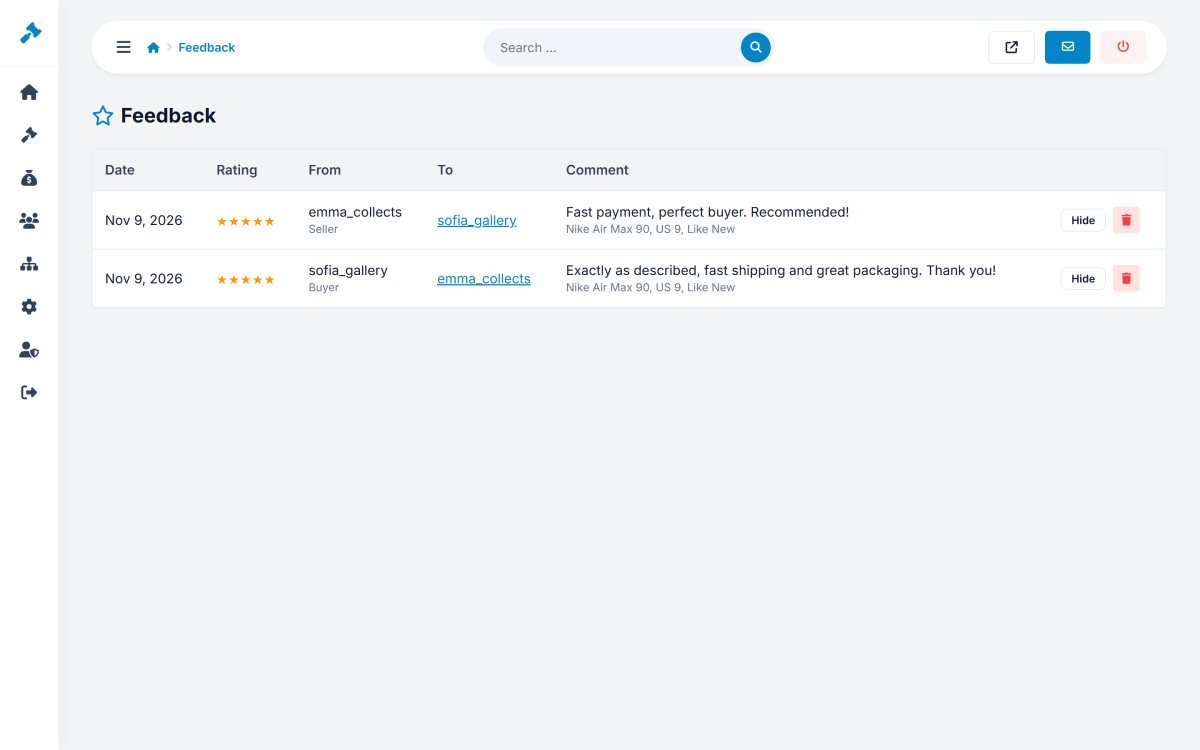
Feedback
Sales › Feedback lists all ratings with stars and comments. You can hide an unfair or abusive comment, or delete it; the member's average rating is updated.