Members, newsletter subscribers and member messages
The Members menu holds everyone who registered: their details and activity, their permissions, the newsletter subscribers and the private conversations.
All members
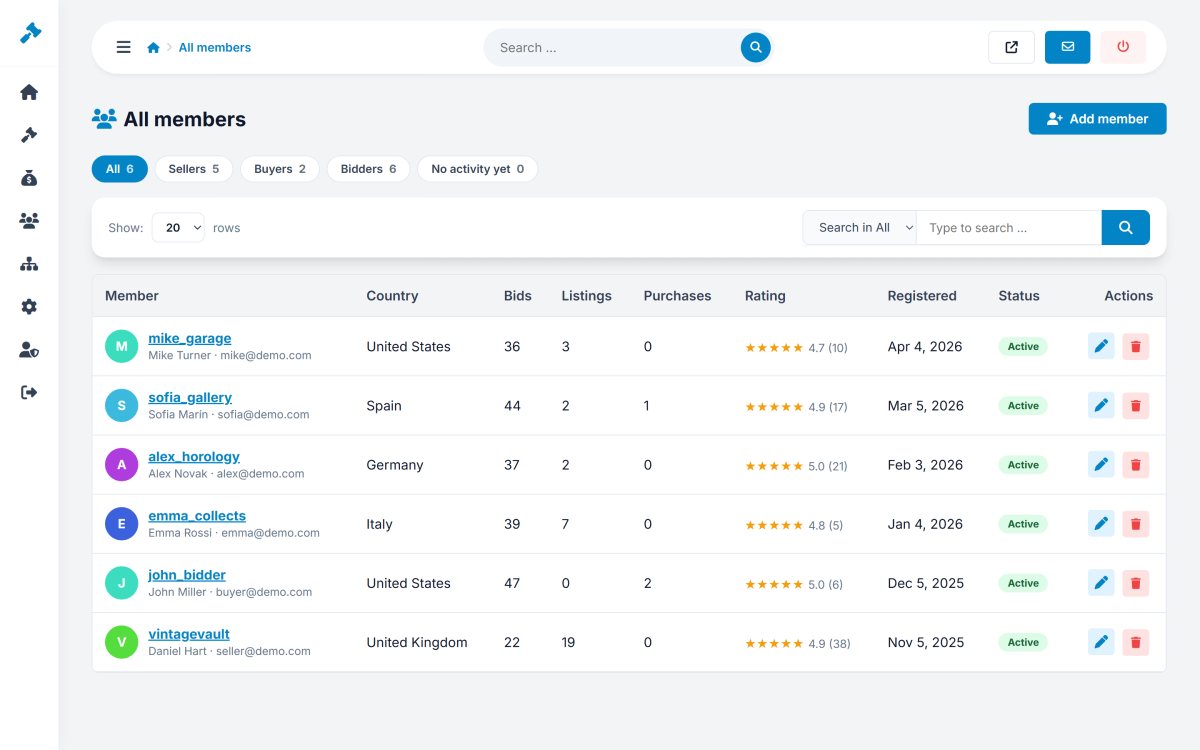
Members › All members lists the members with username, e-mail, country, registration date, listings, purchases, rating and status. Search by name or e-mail, filter buyers and sellers, add a member yourself or open one to edit.
Editing a member
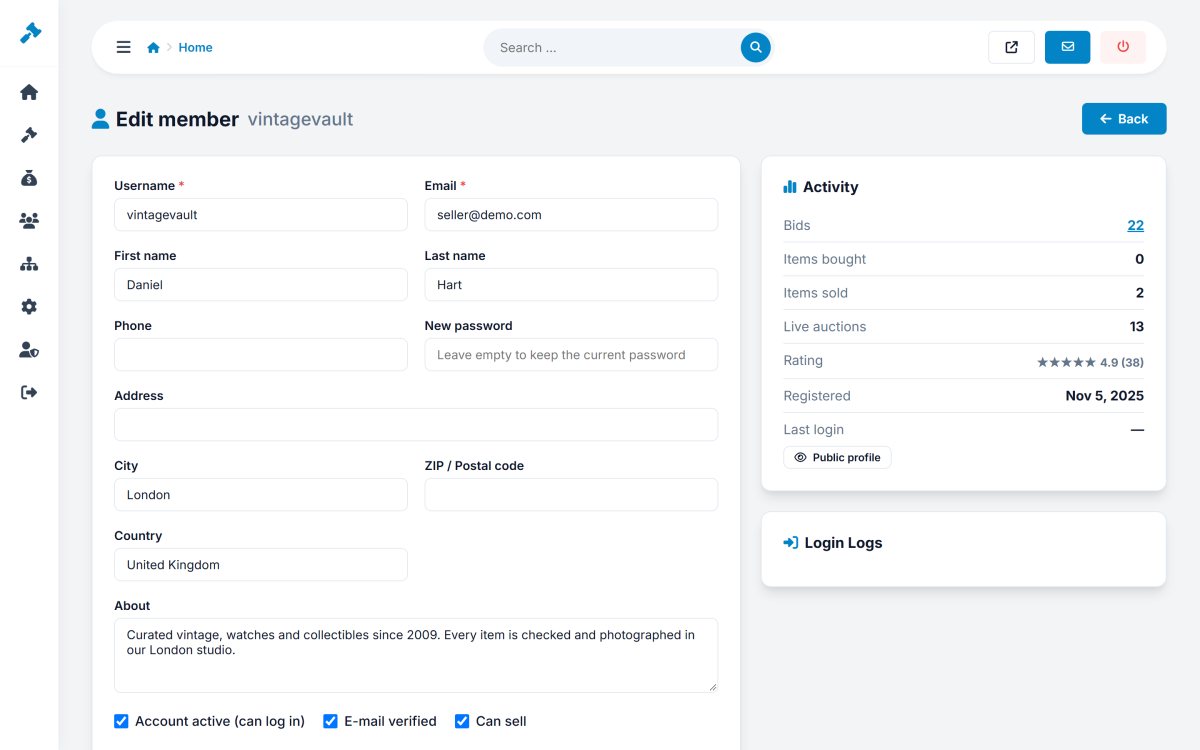
The member page has the personal details and address, a new password field (leave empty to keep the current one), the "about" text, and three switches:
- Account active - turn it off to block the member from logging in.
- E-mail verified - confirm the address manually.
- Can sell - turn off to allow buying only.
The Activity box shows bids, items bought and sold, live auctions, rating, registration and last login, with a link to the public profile, and the Login logs box shows the latest logins.
A member who has sales can be deactivated, but not deleted, so your sales history stays complete.
Newsletter
Members › Newsletter lists the e-mail addresses that subscribed in the footer of the website, with the date. Export them as CSV for your mailing tool, or delete addresses.
Member messages
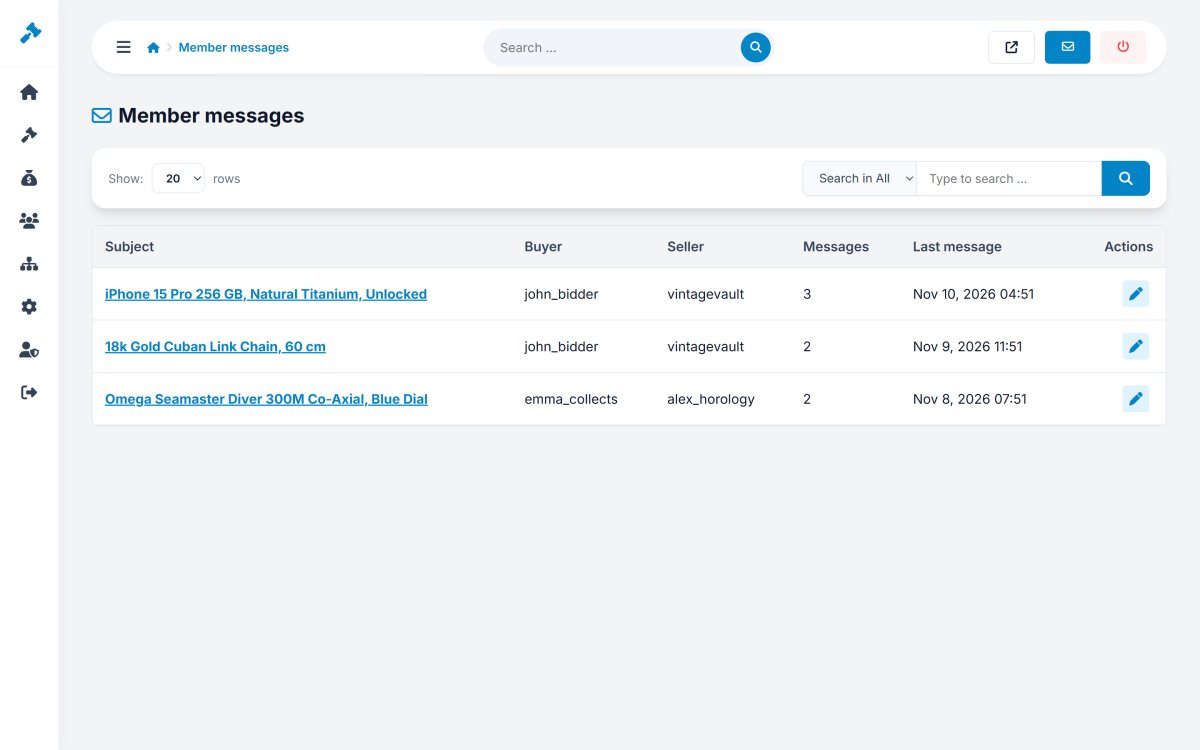
Members › Member messages shows all conversations between buyers and sellers with the item, the members, the number of messages and the date of the last one. Open a conversation to read it.