Templates, logo, colours and interface texts
Give the website your brand in minutes: pick a template, upload your logo, choose your colours and change any word of the interface - no programming needed.
Templates
Website › Templates shows the 8 templates with a preview: Modern, Atelier, Bazaar, Boutique, Gallery, Heritage, Midnight and Pulse - from bright and clean to dark and luxurious. Click Activate to switch; your content stays the same.
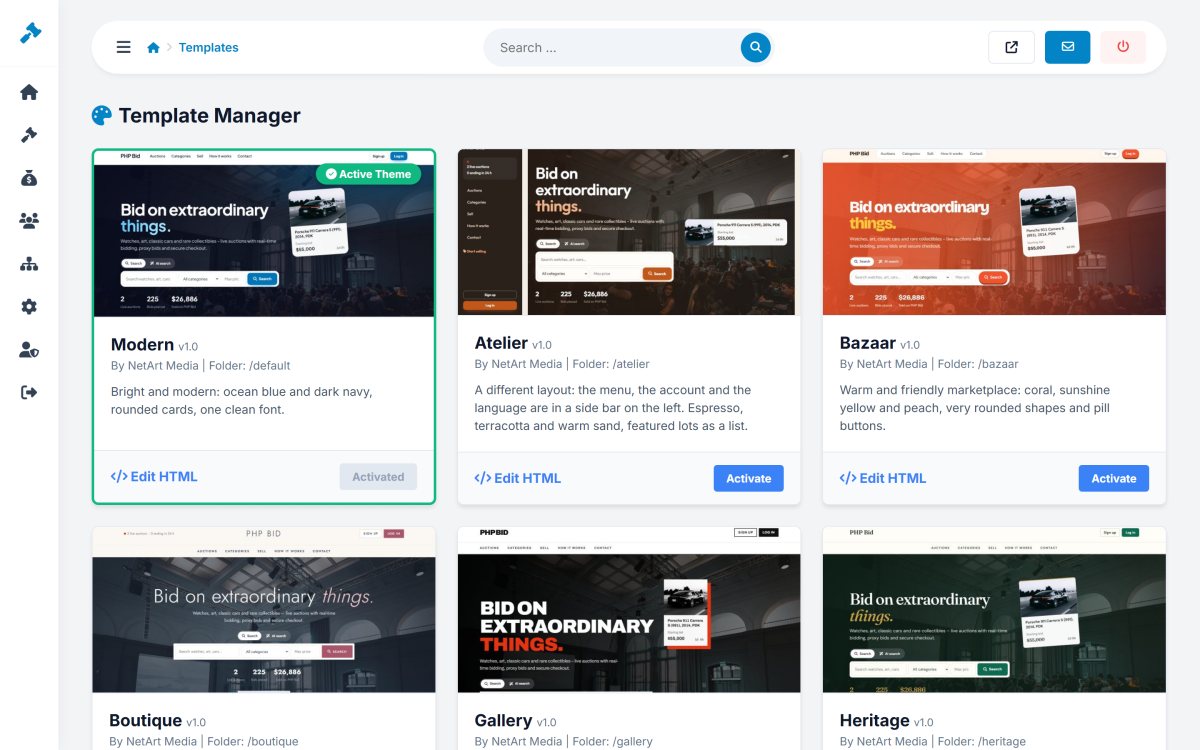
Edit HTML opens the layout of a template in a code editor, for web designers who want to move blocks or add their own code.
Logo and favicon
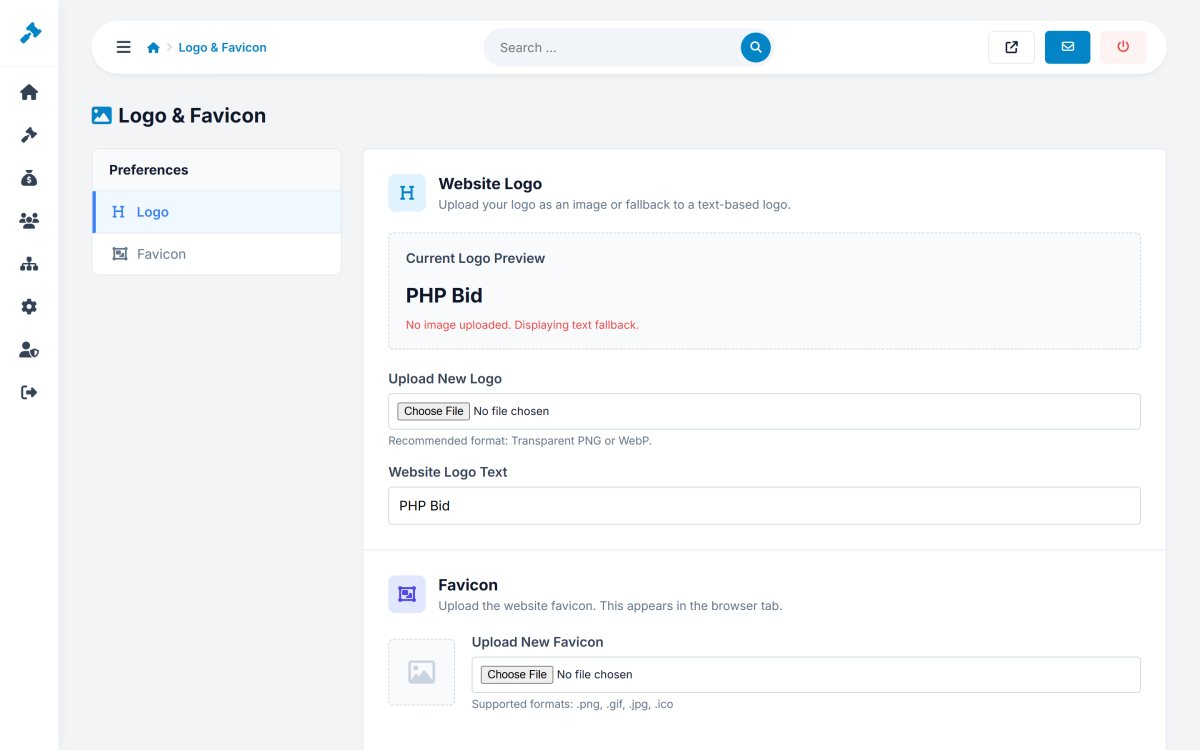
Website › Logo & Favicon uploads your logo (a transparent PNG or WebP works best) and the small icon shown in the browser tab. Without a logo image, the logo text is shown in the header.
Colours and hero image
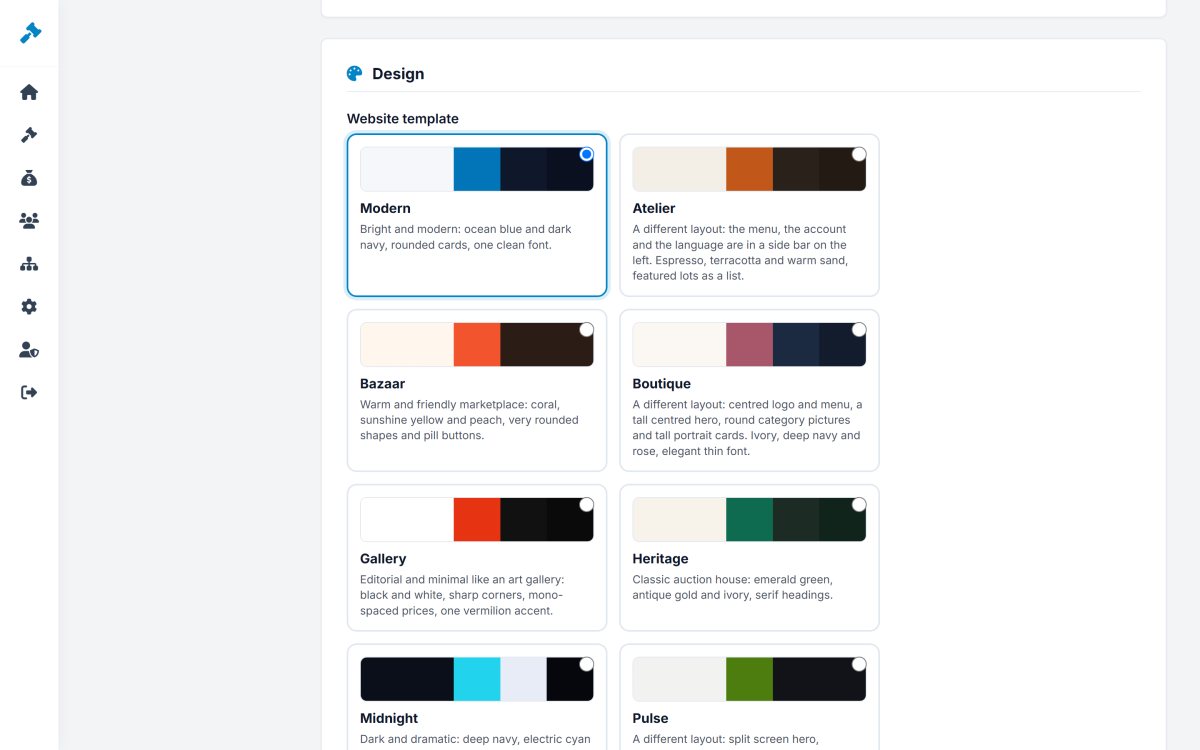
In Settings › Configuration Options › Design you choose the template too, plus the primary, secondary and footer colours and the hero image of the home page. See General settings.
Interface texts
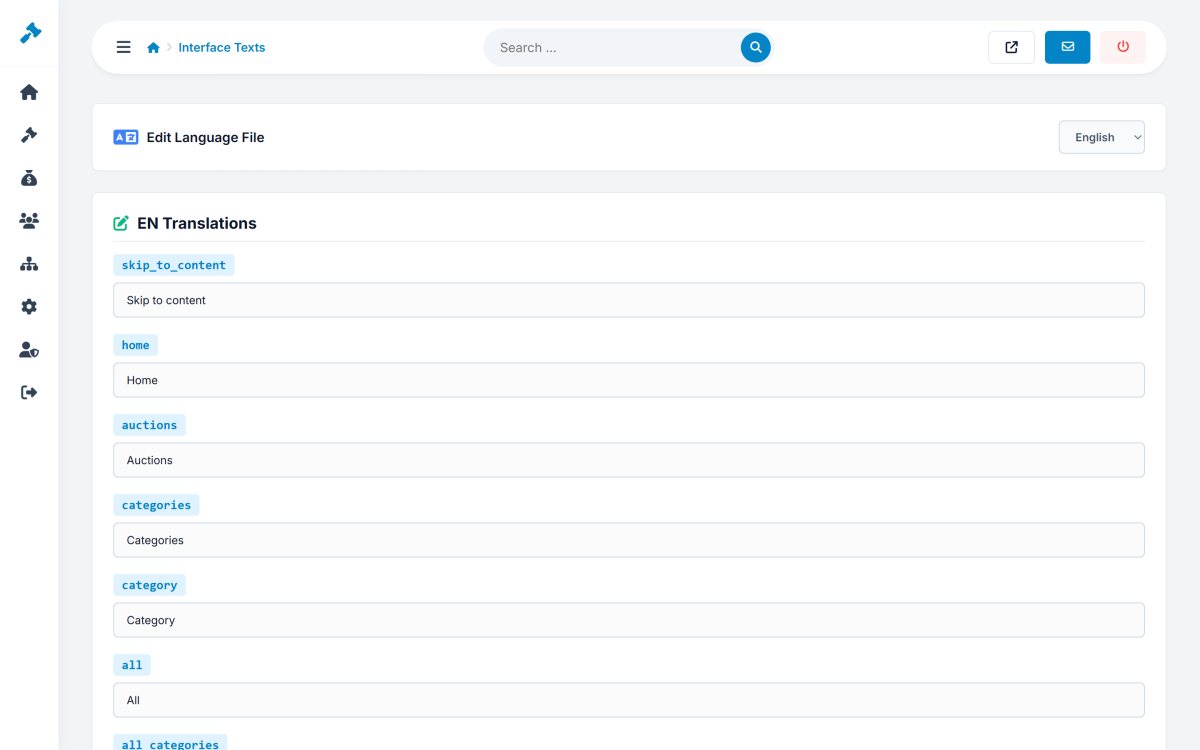
Website › Interface Texts lets you change any text of the website and the members area - buttons, titles, messages, e-mails - in every language, for example "Place bid" to "Bid now" or "Lot" to "Item". The texts are saved in the language files, so they are kept with your website.